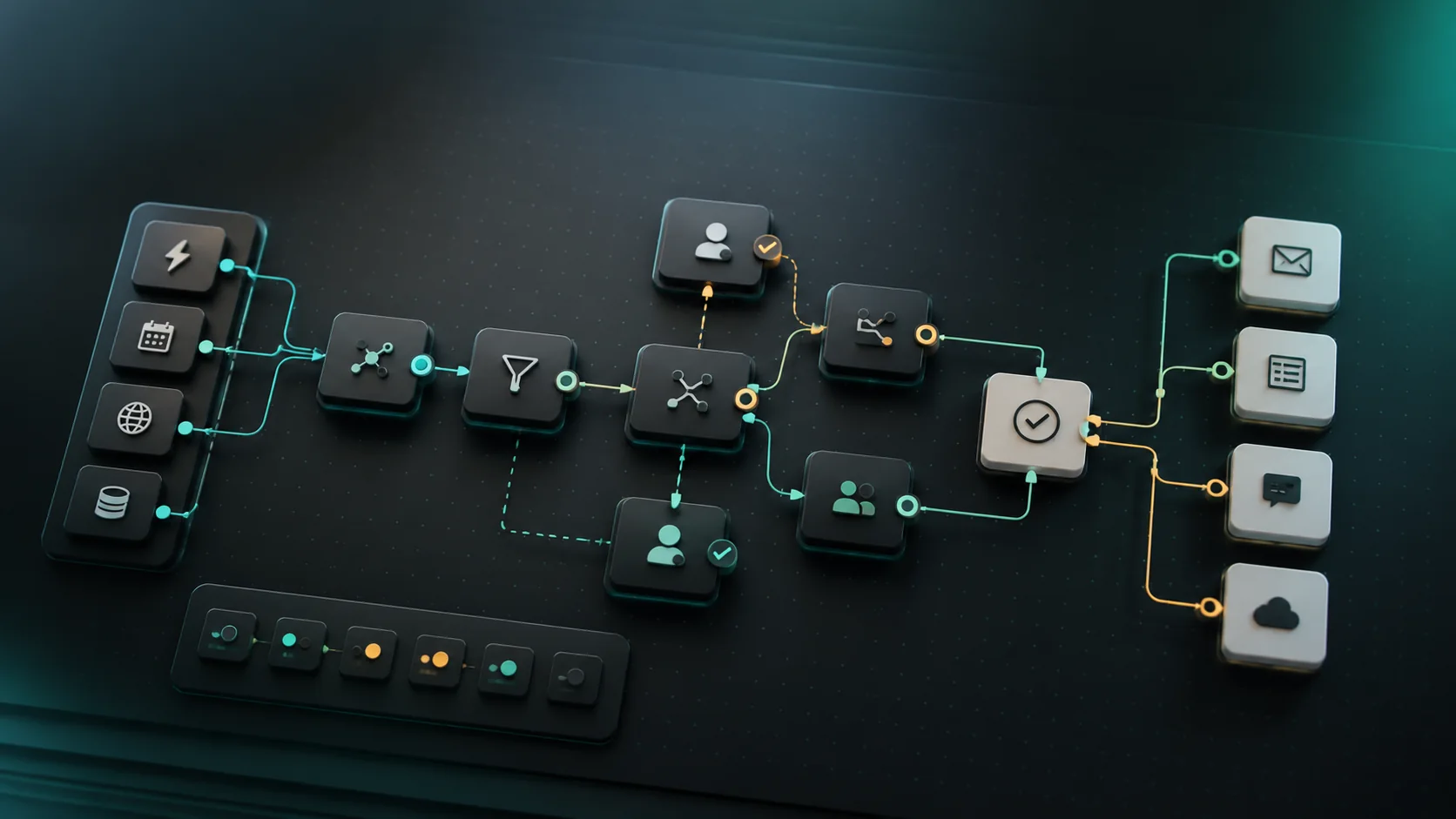
Customer support gets messy when every message arrives in the same inbox. A password question, refund request, angry complaint, bug report, sales question, and urgent service issue should not be handled the same way.
AI support inbox triage helps by sorting messages, drafting replies, and flagging risky cases. The goal is not to let AI fully control support. The goal is to help a small team respond faster while keeping sensitive decisions under review.
The support triage map
| Step | What happens | AI role | Human review |
|---|---|---|---|
| Intake | Customer message arrives from email, chat, form, or social channel | Summarize the issue | Confirm customer identity if needed |
| Categorize | Message gets a type and priority | Suggest intent, sentiment, and urgency | Check edge cases |
| Draft reply | AI writes a short answer from approved knowledge | Prepare response | Approve policy, refund, or angry cases |
| Escalate | Risky or unresolved tickets move to a human | Flag priority and reason | Owner takes over |
| Improve knowledge base | Repeated questions are grouped | Suggest missing help articles | Team approves content |
If a support conversation turns into a new service request, connect it to AI lead follow-up automation instead of leaving it buried in the support inbox.
Categories to start with
Start simple:
| Category | Examples | Default action |
|---|---|---|
| Account access | Login, password, billing portal access | Send approved help link or task |
| Billing | Invoice, payment, plan, receipt | Draft reply and require review |
| Bug or technical issue | Error, broken feature, failed upload | Ask for details and create issue |
| How-to question | Product or service instructions | Draft answer from knowledge base |
| Complaint | Angry customer, bad experience | Escalate to human |
| Refund or cancellation | Refund request, cancellation, charge dispute | Escalate to human |
| Sales or upgrade | Pricing, service inquiry, upgrade interest | Route to sales or lead workflow |
Zendesk’s intelligent triage documentation describes AI detecting ticket intent, language, sentiment, and entities. Small businesses do not need enterprise complexity to learn from that idea: classify the issue, detect risk, and route the message.
The AI triage prompt
You are helping triage a customer support message.

Use only the customer message and approved knowledge notes below. Do not invent policies, refunds, discounts, legal answers, or technical guarantees.

Return:
1. One-sentence issue summary
2. Category
3. Priority: low, normal, high, urgent
4. Sentiment: neutral, confused, frustrated, angry, or unclear
5. Suggested reply under 120 words
6. Missing information to request
7. Escalation needed: yes or no
8. Escalation reason
9. Knowledge base gap, if any

If the answer is not in the approved knowledge notes, say that a human should review.
This prompt keeps the AI inside approved information. That matters because support mistakes can create refunds, policy exceptions, or broken trust.
Priority rules
| Priority | Signal | Response rule |
|---|---|---|
| Low | General how-to, no urgency | AI draft is usually enough |
| Normal | Customer needs help but is calm | Draft reply and assign if needed |
| High | Payment issue, blocked account, unhappy customer | Human review before sending |
| Urgent | Safety, legal threat, security issue, public complaint, major outage | Immediate escalation |
Do not optimize only for speed. A fast wrong answer can be worse than a slower careful answer.
Draft reply template
Hi [Name],

Thanks for reaching out. It sounds like [short issue summary].

The best next step is [approved next step or help link].

If that does not solve it, please send [missing detail], and we will take another look.
For angry customers, do not sound robotic. Use a human review step and keep the reply short, specific, and accountable.
Knowledge base gap report
AI triage becomes more valuable when it shows what customers keep asking.
Track:
- Questions with no approved answer
- Repeated issues by category
- Messages that require the same manual reply
- Help articles customers still find confusing
- Escalations caused by missing policy clarity
Once a week, turn those gaps into one or two new help articles or macros. This is how a small support team improves without adding more people.
What not to automate
Require human review for:
- Refunds
- Legal threats
- Chargebacks
- Safety issues
- Medical, financial, or regulated advice
- Angry or abusive messages
- Public complaints
- Security or account access problems
- High-value customers
- Anything not covered by approved knowledge
Intercom, Zendesk, and other support platforms are building more AI support features, but the operating rule stays the same: automation should follow approved knowledge and escalate uncertainty.
Common mistakes
The first mistake is giving AI a messy knowledge base. If your help articles are outdated, AI will repeat outdated answers.
The second mistake is measuring only response time. Fast responses matter, but resolution quality matters more.
The third mistake is letting AI close tickets too aggressively. Some customers need a human even when the answer looks simple.
The fourth mistake is ignoring sentiment. A confused customer and an angry customer may ask the same question but need different handling.
The fifth mistake is not reviewing unresolved questions. Those questions are the roadmap for better support content.
Metrics to track
| Metric | What it tells you |
|---|---|
| First response time | Whether triage is reducing delay |
| Resolution time | Whether customers actually get help |
| Escalation rate | Whether AI is staying within safe limits |
| Reopen rate | Whether replies solve the problem |
| Knowledge gap count | Whether documentation needs improvement |
| Customer sentiment trend | Whether support quality is improving |
| Macro edit rate | Whether AI drafts are usable |
If response time improves but reopen rate rises, your replies are probably too shallow.
Sources checked
This guide was checked against Zendesk intelligent triage documentation, Zendesk AI platform information, Intercom Fin help information, and Zapier AI support management automation. Verify current vendor features and support policies before relying on them.
FAQ
Can AI answer support tickets automatically?
It can answer routine questions from approved knowledge. It should escalate refunds, complaints, legal threats, safety issues, sensitive access problems, and anything uncertain.
What is the best first support automation?
Start with categorization, priority, and a draft reply. Do not start by auto-closing tickets.
How do you keep AI support from sounding robotic?
Use short replies, approved knowledge, and human review for emotional or high-risk messages.
What should small teams measure?
Track first response time, resolution time, reopen rate, escalation rate, and knowledge base gaps.