Quick answer
A small business should not give an AI agent broad tool access on day one. Start with one narrow workflow, define allowed actions, require human approval for risky steps, log every tool call, and create a clear handoff path when the agent is uncertain.
- Give an AI agent one narrow job before connecting it to many tools.
- Separate read-only tools from actions that change customer, financial, or operational data.
- Use human approval for irreversible, expensive, sensitive, or customer-facing decisions.
- Keep logs, test prompts, and failure examples so the workflow improves instead of silently drifting.
- Best for
- Small business owners, agencies, consultants, operations leads, and technical founders preparing AI agents for real customer, sales, support, or admin workflows.
- Topic
- Productivity
- Last checked
- Jun 9, 2026
Workflow snapshot
A practical map for turning this guide into an automation flow.
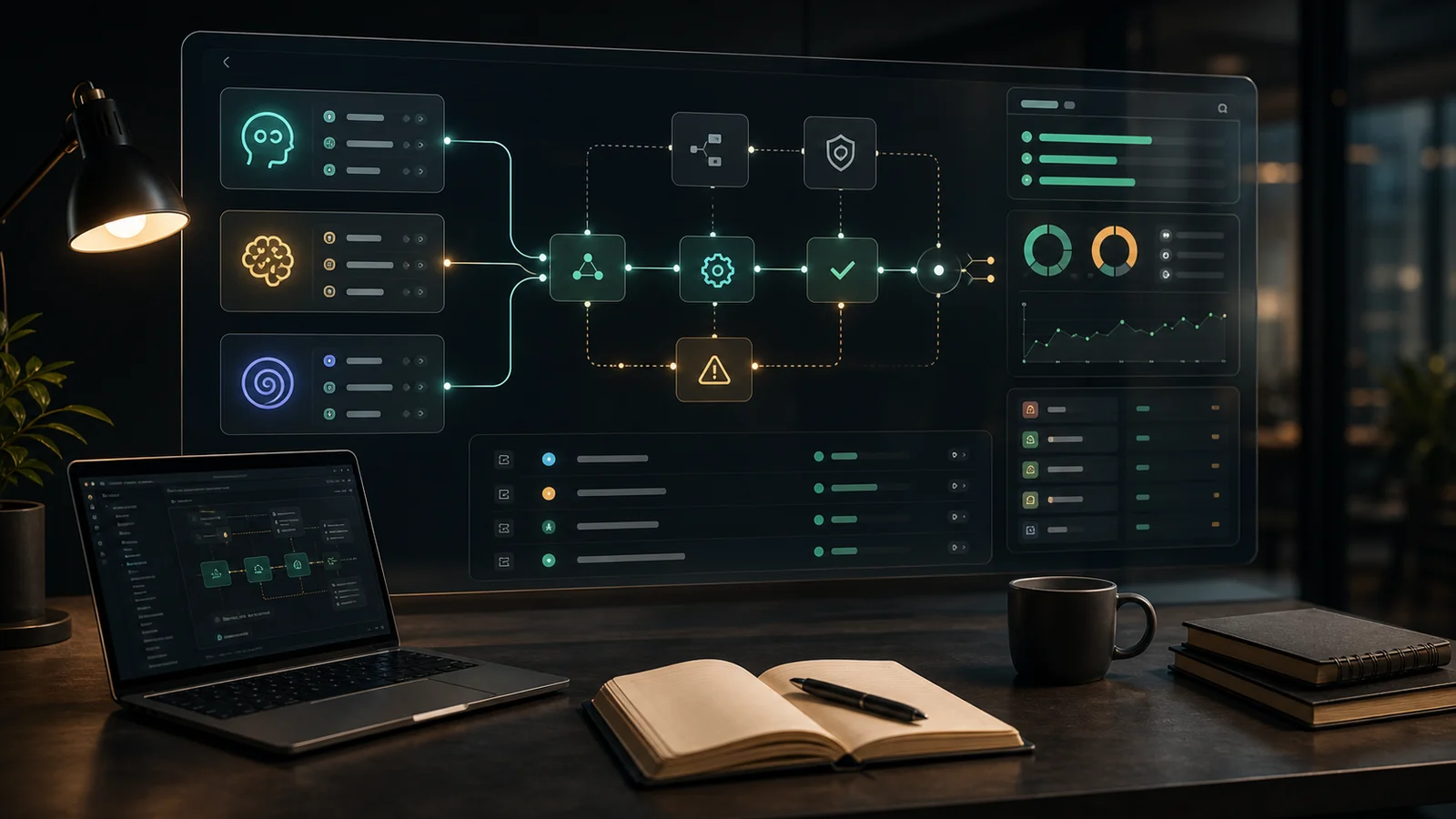
- 01 Input
Define the recurring job, required data, owner, and success check before adding automation.
- 02 AI pass
Use AI for drafting, sorting, summarizing, routing, or tool calls only where the workflow has clear boundaries.
- 03 Human check
Keep approvals, exceptions, cost limits, and sensitive decisions under human review.
- 04 Output
Turn the result into a checklist, saved prompt, SOP, or monitored automation run.
- AI agents
- agent guardrails
- AI automation
- small business AI
- workflow governance
Implementation notes
Use the guide as a workflow decision, not a tool shortcut.
Before you automate, confirm the work input, the human review point, and the result you will measure after launch.
Which checklist or resource should become the operating standard?
Help small businesses adopt AI agents with practical permissions, approval rules, monitoring, and failure handling before connecting real business tools.
7 Sources checked
Check the linked source notes and product documentation before relying on claims that may change.
Open resources
Move from reading to one small pilot, then expand only after the review point is clear.
- Give an AI agent one narrow job before connecting it to many tools.
- Separate read-only tools from actions that change customer, financial, or operational data.
- Use human approval for irreversible, expensive, sensitive, or customer-facing decisions.
- Keep logs, test prompts, and failure examples so the workflow improves instead of silently drifting.
Workflow path
Where this guide fits
Use this section to connect the guide you are reading with the broader workflow it supports.
A path for comparing automation platforms, app builders, agent builders, bookkeeping tools, and general AI assistants.
Open workflow path- Best fit
- teams deciding whether to buy a simple tool, build an internal workflow, or adopt a broader platform
- Not ideal if
- You are looking for a narrative case study rather than a checklist, template, or resource path.
AI agents are moving from demos into real business workflows. They can read records, choose tools, update systems, draft replies, hand off tasks, and sometimes run several steps without waiting for a person after every click.
That power is useful, but it changes the risk profile. A chatbot that gives a weak answer is annoying. An agent with access to your CRM, inbox, calendar, billing tool, or support desk can create the wrong ticket, email the wrong customer, overwrite data, book the wrong appointment, or continue working after it has misunderstood the goal.
This checklist is for small businesses that want practical AI automation without pretending they have an enterprise security team. Use it before you connect an agent to real tools, before you let it send messages, and before you decide that “the AI can just handle it.”
Quick Verdict
| Situation | Guardrail to add first | Why it matters |
|---|---|---|
| The agent only reads knowledge base or CRM data | Read-only tool scope | It limits damage while you learn where the agent succeeds and fails |
| The agent drafts customer-facing replies | Human approval before sending | Tone, policy, and customer context still need judgment |
| The agent updates records, creates invoices, or changes schedules | Action allowlist plus confirmation step | Business data changes should be deliberate and traceable |
| The agent handles refunds, discounts, contracts, or complaints | Escalation rule to a human owner | These decisions combine money, trust, and policy |
| The agent runs across multiple apps | Tool-call log and failure review | You need to know what happened when the workflow breaks |
The safest first agent is not the most autonomous one. It is the one with a narrow job, clear tools, visible logs, and a human handoff path.
What Counts as an AI Agent?
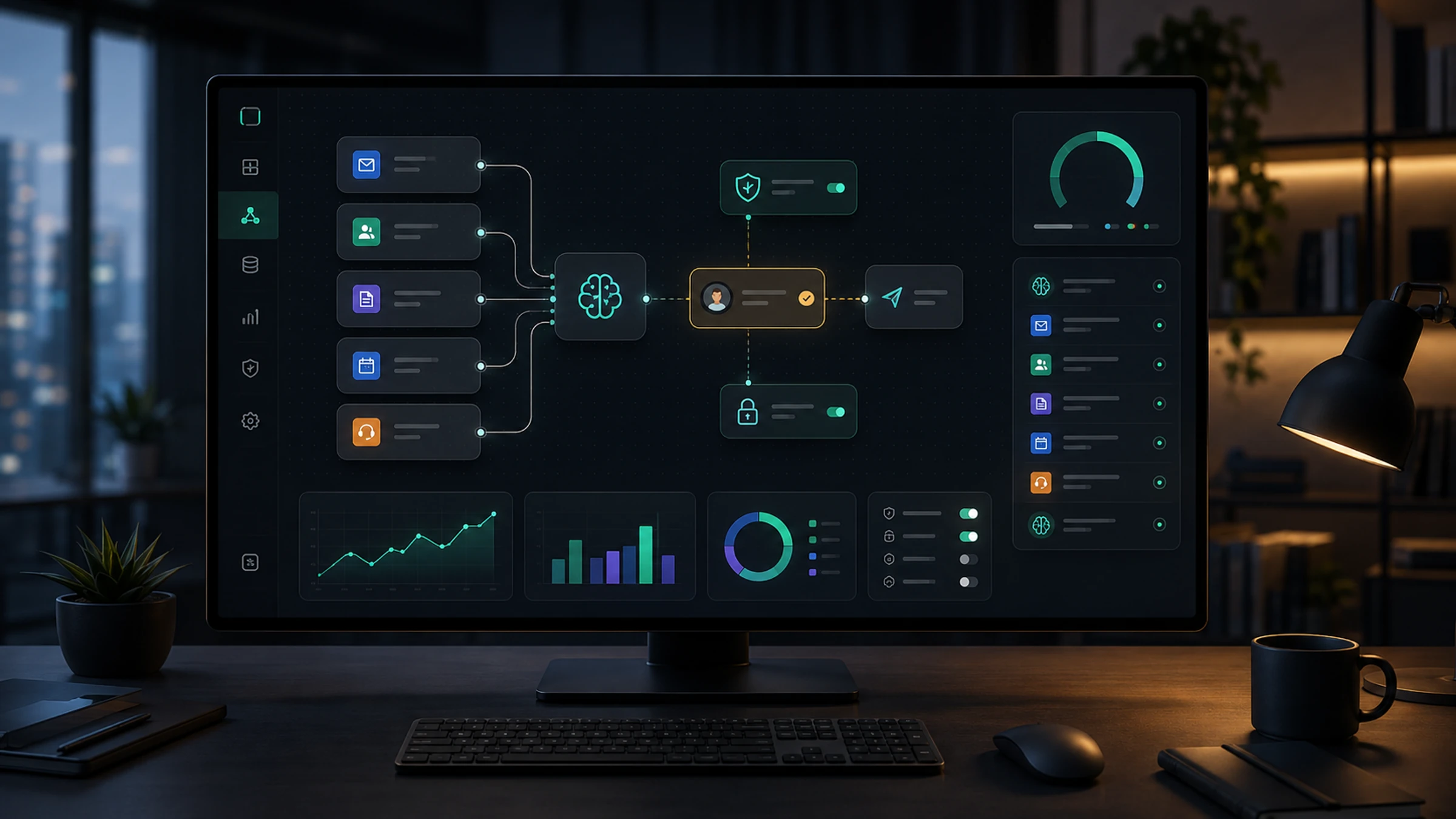
OpenAI’s agent guide defines agents around a simple idea: the system uses a model to manage workflow execution, select tools, and operate within defined guardrails. That is different from a normal chatbot. A chatbot mostly responds. An agent can decide the next step and use software to complete it.
For a small business, this usually means one of these jobs:
- qualify a lead and create a CRM note;
- read a support ticket and draft a reply;
- turn a meeting transcript into tasks;
- check order or invoice status and prepare a follow-up;
- collect intake details and schedule the next step;
- search internal documents and produce a short report.
The mistake is to connect all tools at once. A useful agent should start with one workflow and one owner.
The Guardrails Checklist
Use this as a pre-launch review. If you cannot answer a row, the agent is not ready for unsupervised work.
| Check | Pass signal | Fix if weak |
|---|---|---|
| Workflow boundary | The agent has one named job and a clear stop condition | Rewrite the goal as one workflow, not “help with operations” |
| Tool inventory | Every connected tool is listed with read or write access | Remove tools the agent does not need for this workflow |
| Action allowlist | The agent knows exactly which actions it can take | Convert vague permissions into allowed and blocked actions |
| Approval points | Risky steps require human confirmation | Add approval before sending, deleting, refunding, invoicing, or changing records |
| Escalation path | The agent knows when and who to hand off to | Define confidence, policy, anger, money, and privacy triggers |
| Logs | Tool calls, outputs, errors, and handoffs are reviewable | Store a plain audit trail for each run |
| Test set | You have normal, edge, and failure examples | Build test prompts from real tickets, calls, emails, and forms |
| Rollback | You know how to undo or correct bad actions | Avoid irreversible actions until rollback is clear |
Step 1: Define the Agent’s Job in One Sentence
Start with a sentence that a new employee could understand:
“This agent reads new website leads, checks whether the lead matches our service area, drafts a CRM summary, and asks a human to approve the first reply.”
That is safer than:
“This agent handles sales.”
A good agent job description includes the input, the tools, the output, and the handoff. If the job description needs five paragraphs, the workflow is probably too broad for a first launch.
Step 2: Separate Read Tools from Write Tools
Most small teams should start with read-only tools. Let the agent search documents, summarize tickets, inspect CRM fields, or classify incoming work. Add write actions later.
Use this access ladder:
| Level | Tool access | Example | Approval needed |
|---|---|---|---|
| 1 | Read only | Search help docs, read lead details, summarize ticket history | Usually no |
| 2 | Draft only | Prepare email, CRM note, proposal summary, or task list | Yes before customer-facing use |
| 3 | Low-risk write | Add internal note, tag a ticket, create draft task | Review sampled runs |
| 4 | Customer-facing action | Send reply, schedule appointment, update order status | Yes until quality is proven |
| 5 | High-risk action | Refund, invoice, delete data, approve discount, sign commitment | Human owner required |
Zapier Agents, OpenAI Agents SDK, Microsoft Agent Framework, and similar systems make it easier to connect tools. The hard part is deciding which tools the agent should not have.
Step 3: Put Approval Where the Cost of Error Is High
Human approval is not a sign the automation failed. It is a control point.
Require approval when the agent would:
- send a message to a customer, vendor, partner, or applicant;
- change a price, refund, discount, invoice, booking, or contract;
- access personal, financial, medical, legal, or employment data;
- make a promise about delivery, availability, eligibility, or policy;
- close, delete, merge, or overwrite a record;
- continue after the user sounds angry, confused, or high-value.
For early pilots, a good pattern is “agent drafts, human sends.” Once the agent is consistently good in one narrow workflow, you can move low-risk steps into auto-action.
Step 4: Add a Refusal and Handoff Rule
Many agent failures happen because the system keeps trying. A good guardrail tells the agent when to stop.
Use handoff triggers like these:
| Trigger | Example | Agent response |
|---|---|---|
| Missing data | Lead gives no budget or contact method | Ask one clarifying question, then mark incomplete |
| Policy conflict | Customer asks for exception outside policy | Escalate to owner |
| Low confidence | Agent cannot match request to known category | Create summary and hand off |
| Sensitive topic | Legal, medical, payment, HR, safety, or identity issue | Stop automation and route to human |
| Repeated failure | Same tool call fails twice | Log error and stop the run |
OpenAI’s guardrails documentation separates input and output guardrails. In plain language, that means you can check what enters the agent and what the agent is about to produce. Small teams can use the same concept even without custom code: block unsafe requests before work starts and review risky outputs before they leave the business.
Step 5: Keep an Audit Trail
If an agent touches business systems, you need to know what it did. OpenAI’s tracing docs describe traces as records of model generations, tool calls, handoffs, guardrails, and custom events. That same idea matters even in no-code workflows.
For each run, capture:
- input source, such as form, email, chat, or ticket;
- tools called and whether each call succeeded;
- records viewed or updated;
- draft output produced;
- human approval or rejection;
- handoff owner;
- final outcome;
- error reason if the workflow stopped.
This log is how you improve the agent. It also protects the team from guessing when a customer asks, “Why did this happen?”
Step 6: Test the Agent with Bad Inputs
Do not test only clean examples. Build a small test set with:
- normal cases;
- missing details;
- angry customer messages;
- duplicate records;
- conflicting instructions;
- long messy emails;
- prompt-injection attempts such as “ignore your previous instructions”;
- tool failures;
- requests outside your policy.
OWASP’s Top 10 for Agentic Applications is useful because it frames agent risk around systems that plan, act, and make decisions across workflows. A small business does not need a 100-page security program to learn from that. You do need to assume that tool misuse, excessive authority, memory problems, unclear identity, and human trust mistakes can happen.
A Simple Launch Plan
Use this rollout path for the first 14 days.
| Day | Action |
|---|---|
| 1 | Pick one workflow and one owner |
| 2 | Write the agent job sentence and stop condition |
| 3 | List tools as read, draft, write, or high-risk |
| 4 | Remove unnecessary tools |
| 5 | Write approval and escalation rules |
| 6 | Create 20 test cases from real work |
| 7 | Run the agent in draft-only mode |
| 8-10 | Review every output and every tool call |
| 11 | Allow one low-risk write action |
| 12-13 | Review failures and add missing handoff triggers |
| 14 | Decide whether to expand, pause, or keep supervised |
The goal is not to prove that the agent is perfect. The goal is to discover where it is useful, where it needs review, and where ordinary automation would be safer.
When to Buy Governance Software
Most small businesses do not need an enterprise AI governance platform for the first pilot. Start with a narrow workflow, documented permissions, approvals, logs, and test cases.
Consider specialized governance or observability tooling when:
- multiple teams are building agents;
- agents use sensitive customer or employee data;
- you need formal compliance evidence;
- tool calls span many systems;
- you cannot manually review logs anymore;
- failures could create material financial or legal exposure.
Microsoft’s Agent Governance Toolkit and broader agent-control work show where the market is going: agent controls are becoming their own operating layer. Small teams can still adopt the principle before buying the platform.
Common Mistakes
| Mistake | Better approach |
|---|---|
| Giving the agent every app connection because it is convenient | Connect only the tools needed for one workflow |
| Treating a good demo as production proof | Test messy, hostile, incomplete, and high-risk cases |
| Letting the agent send customer messages immediately | Start with drafts and approval |
| Hiding failures in chat history | Keep a searchable run log |
| Using vague instructions like “be careful” | Write specific blocked actions and escalation triggers |
| Expanding before measuring quality | Review error types before adding autonomy |
FAQ
Should a small business use AI agents now?
Yes, if the first use case is narrow and supervised. Use agents for lead intake, support triage, drafting, research, summaries, and internal handoffs before giving them high-risk authority.
What is the most important guardrail?
Tool permission. If the agent cannot access the wrong tool or take the wrong action, many failures become harmless drafts instead of business problems.
Do no-code agents need guardrails?
Yes. No-code makes connection easier, not safer by default. You still need allowed actions, approval points, logs, and escalation rules.
How many tools should the first agent have?
As few as possible. One read tool and one draft output are enough for many pilots. Add write tools only after the agent performs well on real examples.
What should we monitor after launch?
Track failed tool calls, human edits, rejected drafts, escalations, customer complaints, unexpected categories, and time saved. Do not measure only how many tasks the agent completed.
Bottom Line
AI agents become valuable when they are treated like controlled workflows, not magic employees. Start small, define permissions, require approval where mistakes are expensive, log what happens, and expand only after the evidence is good.
If you want the next practical step, compare this checklist with the AI workflow audit scorecard and the AI agent workflow builder guide. One helps you decide whether the workflow is ready; the other helps you choose where to build it.
Sources checked
Main public pages used to verify product details, pricing context, and comparison claims in this guide.
- A practical guide to building agents OpenAI
- Guardrails - OpenAI Agents SDK OpenAI Agents SDK
- Tracing - OpenAI Agents SDK OpenAI Agents SDK
- Microsoft Agent Framework Overview Microsoft Learn
- Introducing the Agent Governance Toolkit Microsoft Open Source Blog
- OWASP Top 10 for Agentic Applications for 2026 OWASP Gen AI Security Project
- Build an agent in Zapier Agents Zapier Help