
Turning an idea into code is no longer the slow part. Give a capable agent a clear brief and a working screen can appear before the meeting that requested it has finished. The trouble is the word clear. What are we building, who is it for, and what would make it finished rather than merely functional?
Code complains when it is wrong. Planning and design often do not. A plausible product can drift for days before anyone notices that it solves the wrong problem or looks like every other generated interface. If no decision record exists, the team cannot even identify the point where it went off course.
The six items below are not six competing SaaS products. They sit at different layers around a coding agent: some force better questions, some preserve decisions, some carry visual rules, and one supplies implementation components. I reviewed their current repositories and official documentation on 7 August 2026. This is an operating guide, not a report on six equivalent production deployments.
Borrow the method, not the whole toolbox
User interviews, product requirements, architecture notes and design systems are accumulated experience. Packaging that experience so an agent can read it is useful. Installing every package that promises “better planning” is not.
The roles are easier to understand in three layers:
| What is missing | Tools | What should remain afterwards |
|---|---|---|
| Questions, scope and an execution path | Superpowers, Spec Kit, BMAD | A design, specification, task sequence and review points |
| A shared visual identity and boundaries | DESIGN.md, taste-skill | Colour, type, spacing, density and explicit anti-patterns |
| Reliable components inside the project | shadcn/ui MCP | Component code the agent can find, install and then adapt |
For most work, one planning tool and one design tool are enough to start. Add another layer only when the project has a real coordination problem that the current pair does not cover.
Three tools that turn an idea into durable planning
1. Superpowers: make the agent ask before it builds
Superpowers describes itself as a development methodology delivered through agent skills. The official flow is broader than “ask a few questions”: brainstorming narrows the request, a worktree separates the change, a plan divides the work, and testing plus review close the loop.
That makes it useful when a one-line request such as “add dark mode” would otherwise become an immediate code edit. The agent can first establish who needs it, what existing themes must survive, what counts as complete and how the change will be checked. It is a good fit for a rough idea with no supporting document.
There is an obvious ceiling. Running the whole ceremony for a spelling fix is wasteful, and multiple subagents consume context as well as review time. The distinction between a design change and a mechanical correction still needs a human owner.
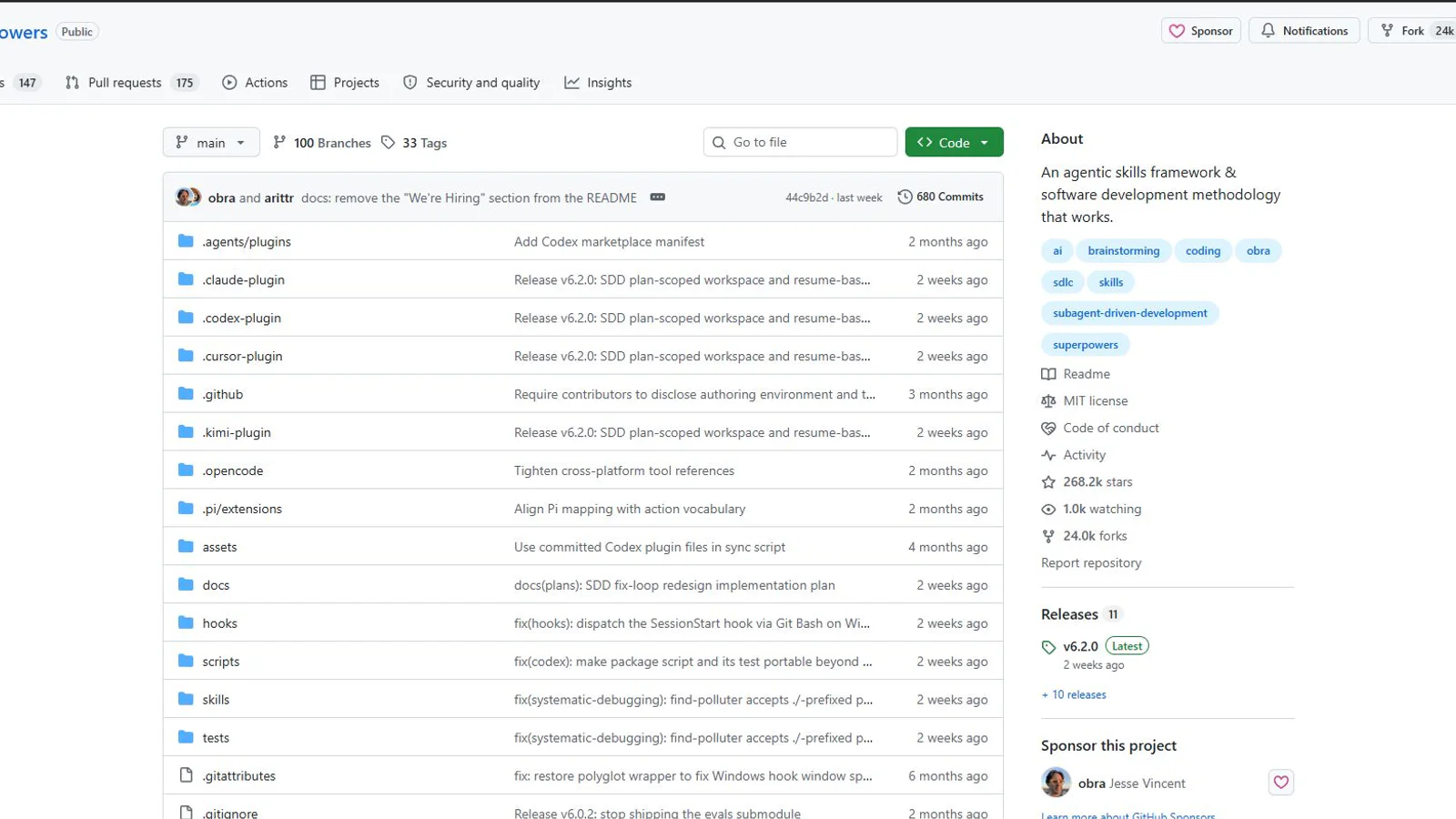
Superpowers packages questioning, planning, testing and review as a working discipline. Screenshot: official GitHub repository.
2. GitHub Spec Kit: leave a trail from requirement to task
Spec Kit is GitHub’s toolkit for spec-driven development. Its core path is Specify, Plan, Tasks and Implement. A project can add a Constitution for durable principles and run Clarify, Checklist or Analyze where uncertainty calls for them. Calling it a fixed five-step method misses the point: the documents are meant to make decisions and changes traceable.
That trace matters when a requirement changes halfway through a project. Instead of comparing code alone, a team can identify which requirement, plan and task list also need revision. It suits new products, shared projects and work that may later need an audit trail.
It is less attractive when a mature codebase needs one narrow adjustment. If the team spends longer maintaining planning documents than reviewing the change, the process has become the product. A lighter specification tool such as OpenSpec may be a better fit in that case.
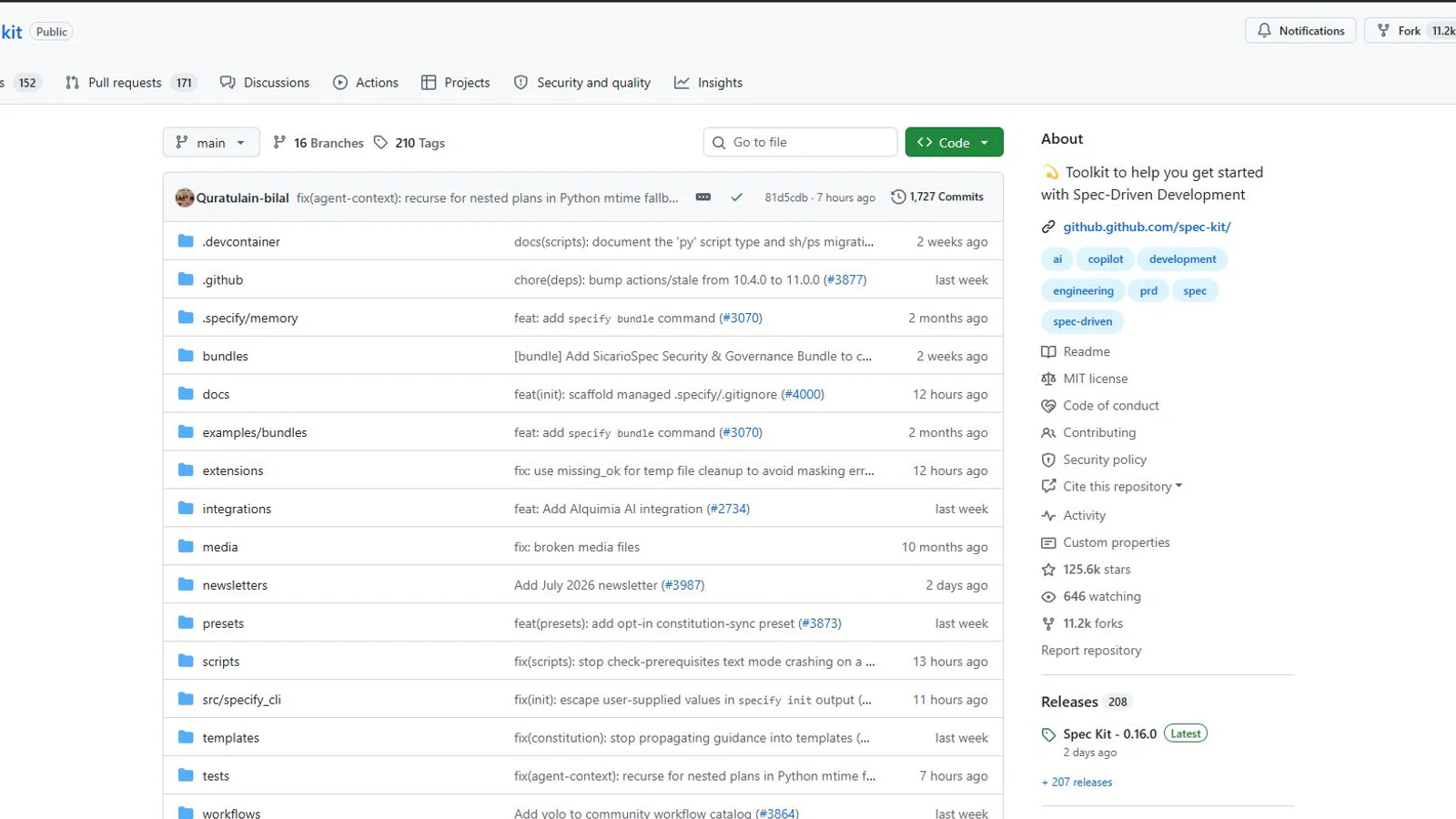
Spec Kit separates principles, requirements, plans and tasks so a change has a visible path. Screenshot: official GitHub repository.
3. BMAD Method: bring missing roles into the room
BMAD splits product work across roles such as analyst, product manager, architect, developer and QA. Its documented method moves through optional Analysis, Planning, Solutioning and Implementation phases; a separate Quick Flow exists for smaller jobs.
The value is not the theatre of having an “AI team”. It is the questions that a lone planner can miss. An analyst challenges the problem and audience. A PM asks about scope and acceptance. An architect exposes constraints. QA asks how the product fails. On a complex product with several stakeholders, those changes of perspective can be useful.
The cost is equally real. Several agents reread the same documents, produce more documents and use more tokens. A short install command does not make the operating method lightweight. If the paperwork is becoming larger than the product, use Quick Flow or step down to a simpler planning layer.
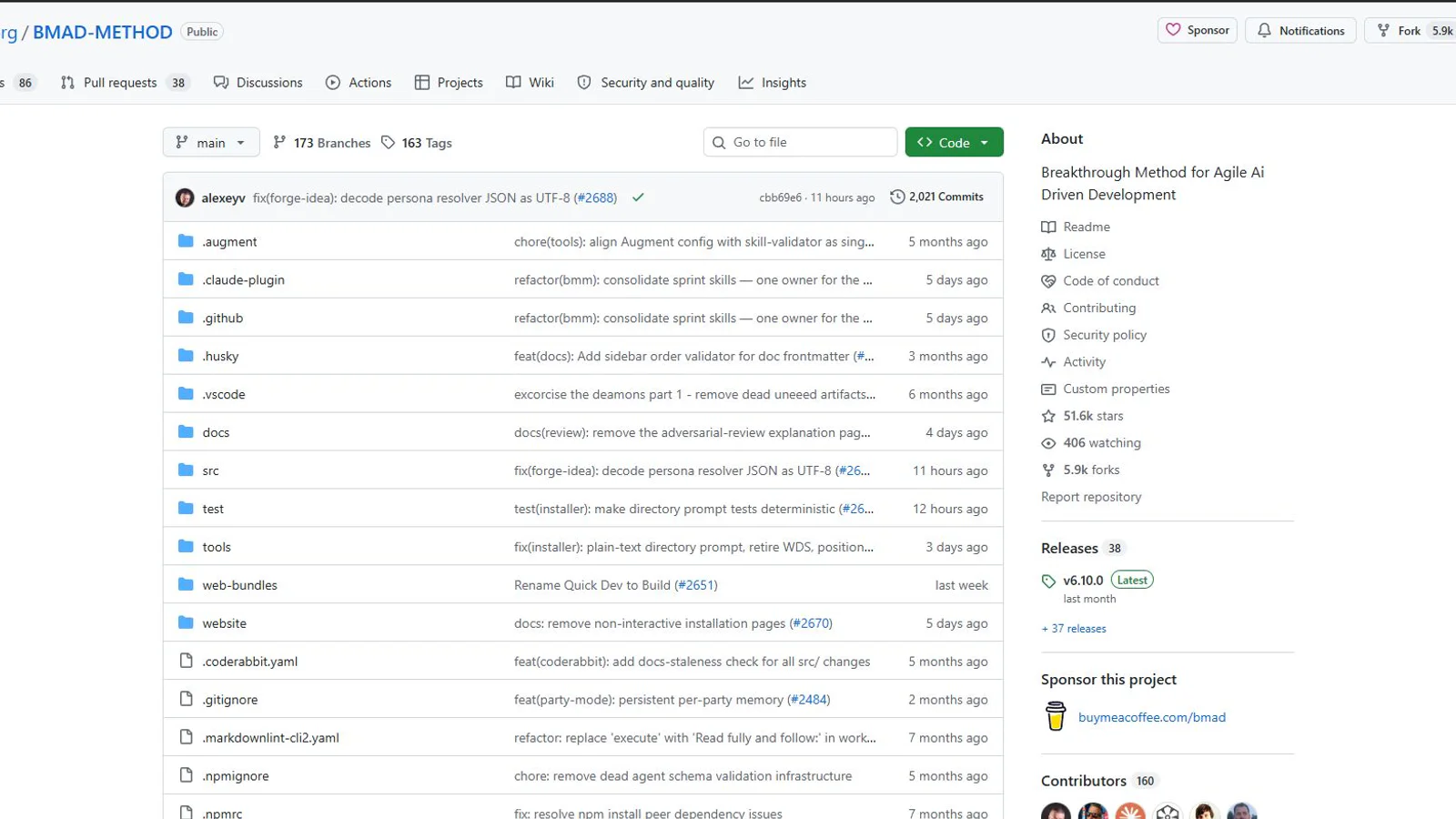
BMAD distributes product questions across explicit roles and phases. Screenshot: official GitHub repository.
Three tools for visual rules and implementation
Planning answers what and why. Design has to preserve what the result should feel like when the agent makes the next screen. Generated interfaces often look alike because the agent was given no brand vocabulary, density target, interaction rule or list of things to avoid.
4. DESIGN.md: a design identity the agent can reread
Google Labs’ DESIGN.md is an alpha format for storing design identity in an agent-readable file. Structured values such as colour, typography and spacing can live in YAML frontmatter; the Markdown body records rationale, context and boundaries.
The practical advantage is repetition. A team does not have to restate its design rules for every new screen, and the agent can validate a choice against the same source. The format does not supply taste, however. A person still has to decide which contrast, tone and visual rhythm suit the product. The alpha label also matters: the schema and tooling may change.
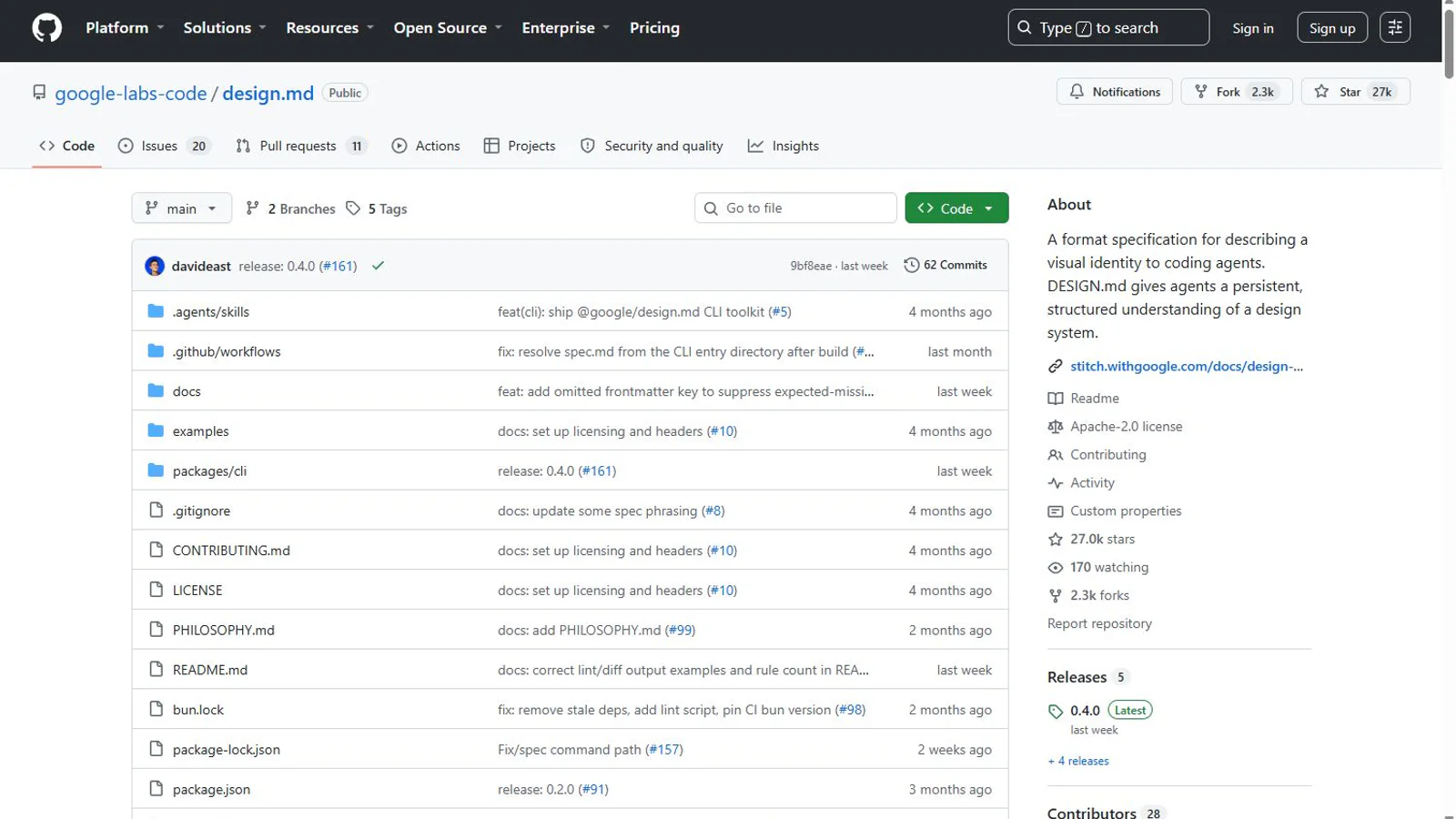
DESIGN.md stores both visual values and the reasons behind them. Screenshot: official Google Labs repository.
5. shadcn/ui MCP: find the component instead of inventing one
The shadcn/ui MCP Server connects an AI assistant to component registries. The agent can browse available items, search for a specific component and install its code into the project. That is a supply channel, not a creative director.
It can save time on accessible states and familiar interaction patterns while keeping the code inside the application for later changes. It can also make a site look like every other default shadcn build if the components are assembled without a design identity. DESIGN.md defines the rules; the MCP server helps source parts that still need to follow them.
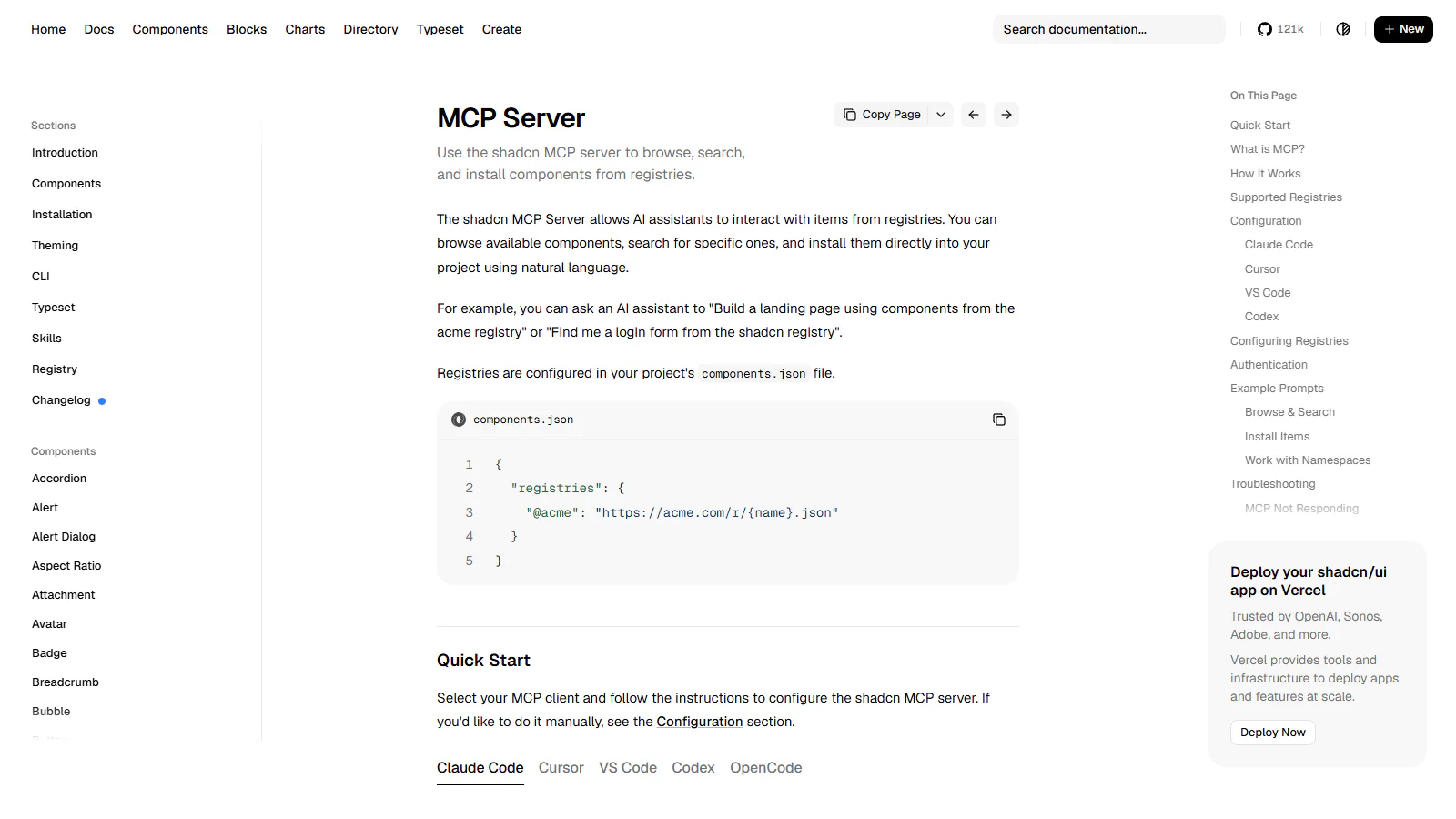
The MCP server lets an agent browse, search and install components from configured registries. Screenshot: official shadcn/ui documentation.
6. taste-skill: write down the bad habits before they appear
taste-skill is a portable set of frontend heuristics for coding agents. It calls out familiar generated-interface habits: automatic centred layouts, repeated cards, unsupported hero claims, monotonous palettes and decorative motion without a job. It also encourages teams to state values such as visual density and motion intensity instead of leaving them to “taste”.
That is useful because prevention is cheaper than a vague review that says the result feels cheap. It is not an objective design standard. Version 2 is marked experimental, and some prohibitions reflect the author’s preferences. A brand with a deliberate serif system should remove a blanket rule against serif headings. A quick theme swap does not need this much governance.
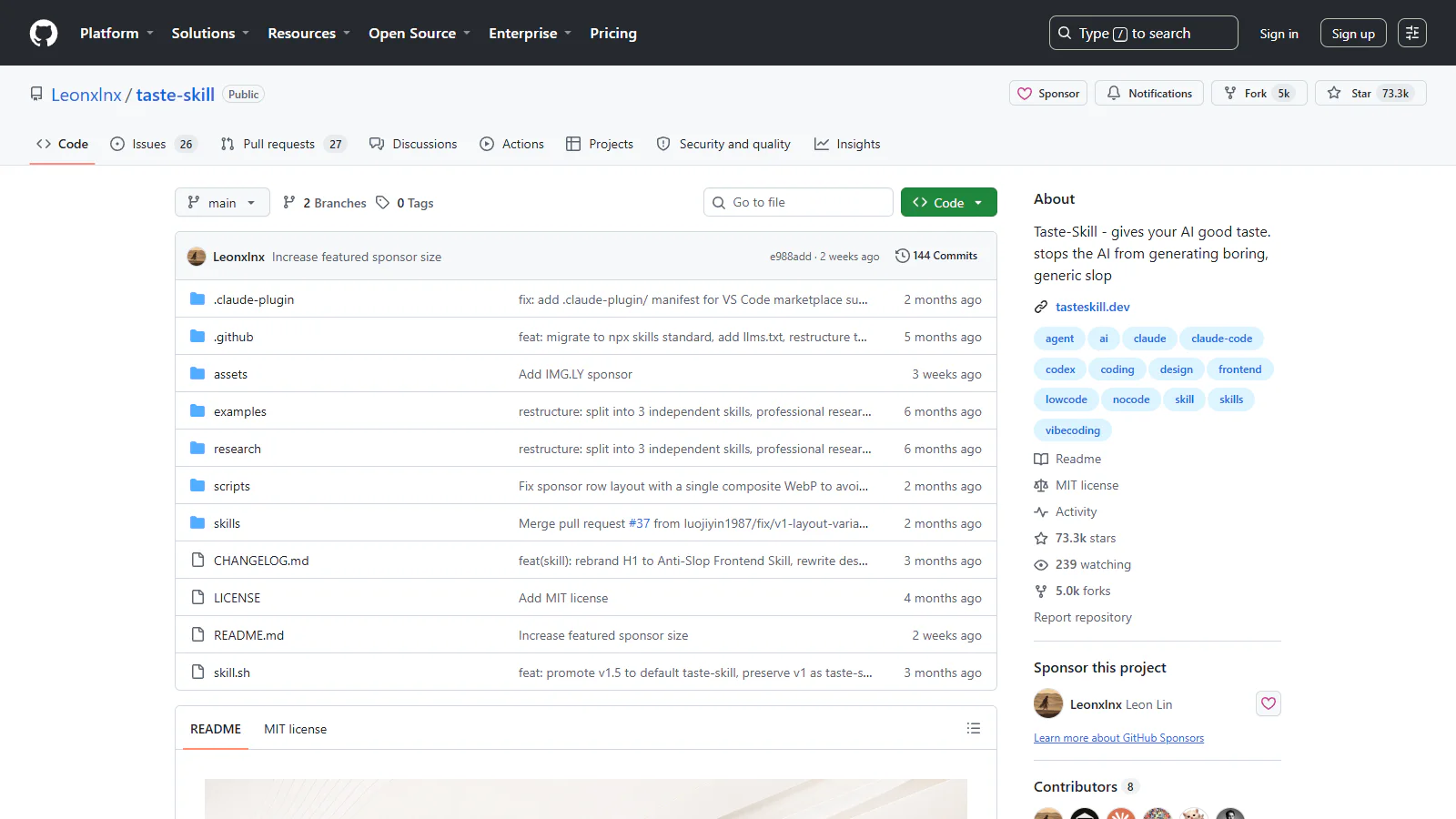
taste-skill is a set of constraints for the agent, not a guarantee that the finished design is good. Screenshot: official GitHub repository.
Combinations that make sense
If I were writing the adoption note, I would start here:
| Situation | First combination | Why |
|---|---|---|
| A rough idea and no document | Superpowers + DESIGN.md | Questions reduce ambiguity; one file holds the first visual rules |
| A new product shared by a team | Spec Kit + DESIGN.md + shadcn/ui MCP | Requirements, design rules and component sourcing form a visible chain |
| A complex product with several review roles | BMAD + DESIGN.md, then taste-skill | Different perspectives appear early; visual anti-patterns are checked late |
| One feature in an established product | One planning tool + the existing design system | The change gets a reason without importing a second operating system |
More tools also mean more disagreement. A Spec Kit constitution, a BMAD planning document and a Superpowers design can each claim to be current. An agent cannot resolve that conflict reliably. Keep one source for principles and one source for execution.
Four checks before installation
- Name the missing layer: questions, a decision record, visual rules or components. Do not attach an MCP server when the real problem is an unclear brief.
- Name the source of truth: decide whether Constitution, DESIGN.md or another file wins when documents disagree.
- Try one reversible change: a registration form is a better pilot than a complete homepage rebuild.
- Count human review, not just tokens: if the agent creates more documents than the team can read, the workflow is not saving work.
These tools cannot decide who the product is for or why that person should care. What they can do is turn private assumptions into questions, files, rules and components that a human can inspect. That is a worthwhile improvement.
The starting point is still the person using the result. Write down who they are, what they are trying to do and where failure would hurt them. Without those three lines, six sophisticated tools will only fill the wrong gaps more neatly.
References and reporting
Public pages used for reported facts, official documentation, policy background, product details, and claims that may change.
- Superpowersobra / GitHubUsed for: development method and skill structure; license; scopeChecked: 2026-08-07
- GitHub Spec KitGitHubUsed for: spec-driven workflow; CLI flow; licenseChecked: 2026-08-07
- BMAD MethodBMAD CodeUsed for: method phases; Quick Flow; installation; licenseChecked: 2026-08-07
- DESIGN.mdGoogle LabsUsed for: design identity format; alpha status; licenseChecked: 2026-08-07
- shadcn/ui MCP Servershadcn/uiUsed for: registry browsing; component search and installation; supported clientsChecked: 2026-08-07
- taste-skillLeon Lin / GitHubUsed for: frontend design heuristics; anti-patterns; experimental status; licenseChecked: 2026-08-07