Quick answer
AI appointment scheduling works best when it is treated as a controlled handoff from inquiry to booked time. Start with intake rules, calendar availability, reminder logic, reschedule paths, and CRM notes before adding agents or voice automation.
- Do not start with a chatbot. Start by defining which requests deserve a booking and which need a human reply first.
- The safest workflow separates qualification, booking, reminders, rescheduling, and CRM handoff instead of letting one AI step decide everything.
- Calendly, Cal.com, Google Calendar, HubSpot Meetings, and Acuity fit different businesses, so choose by routing complexity and client experience.
- Track show rate, time-to-book, reschedule rate, qualified booking rate, and manual rescue time instead of only counting booked meetings.
- Best for
- Small service businesses, consultants, agencies, clinics, local operators, and sales teams that turn inquiries into booked appointments.
- Topic
- Automation
- Last checked
- Jun 11, 2026
Workflow snapshot
A practical map for turning this guide into an automation flow.
- 01 Input
Define the recurring job, required data, owner, and success check before adding automation.
- 02 AI pass
Use AI for drafting, sorting, summarizing, routing, or tool calls only where the workflow has clear boundaries.
- 03 Human check
Keep approvals, exceptions, cost limits, and sensitive decisions under human review.
- 04 Output
Turn the result into a checklist, saved prompt, SOP, or monitored automation run.
- AI scheduling
- appointment automation
- small business
- CRM
- calendar workflow
Implementation notes
Use the guide as a workflow decision, not a tool shortcut.
Before you automate, confirm the work input, the human review point, and the result you will measure after launch.
Which step should become repeatable first?
Help small service businesses turn inquiries into qualified booked appointments without losing context, trust, or calendar control.
12 Sources checked
Check the linked source notes and product documentation before relying on claims that may change.
Open resources
Move from reading to one small pilot, then expand only after the review point is clear.
- Do not start with a chatbot. Start by defining which requests deserve a booking and which need a human reply first.
- The safest workflow separates qualification, booking, reminders, rescheduling, and CRM handoff instead of letting one AI step decide everything.
- Calendly, Cal.com, Google Calendar, HubSpot Meetings, and Acuity fit different businesses, so choose by routing complexity and client experience.
- Track show rate, time-to-book, reschedule rate, qualified booking rate, and manual rescue time instead of only counting booked meetings.
Workflow path
Where this guide fits
Use this section to connect the guide you are reading with the broader workflow it supports.
A path for capturing inquiries, qualifying demand, preparing proposals, and keeping client handoffs from falling through the cracks.
Open workflow path- Best fit
- sales and operations teams with recurring inquiries, proposals, and client intake work
- Not ideal if
- The work does not yet have a repeatable trigger, owner, or input. Start by naming the process before automating it.
Appointment scheduling looks simple until it touches revenue. A customer asks for a consultation, a patient wants a slot, a lead replies after hours, or a client tries to reschedule ten minutes before the call. If the process depends on one person watching an inbox, good opportunities leak out quietly.
AI appointment scheduling automation is not just “send people a calendar link.” A useful workflow qualifies the request, chooses the right booking path, protects the calendar, sends reminders, handles reschedules, and gives the owner enough context before the meeting starts.
This guide shows a practical version for small service businesses. It is designed to connect naturally with AI lead follow-up automation, AI CRM tools, AI voice agents, and messaging workflows such as Meta Business Agent on WhatsApp.
Quick answer
Use AI in appointment scheduling when the request is repetitive enough to classify, but important enough to deserve context.
| Stage | What should happen | AI can help with | Keep human control over |
|---|---|---|---|
| Intake | Capture the reason for the appointment | Summarize the request and missing details | Sensitive cases, custom quotes, complaints |
| Qualification | Decide whether the person should book | Classify fit, urgency, and service type | Final eligibility and pricing promises |
| Booking | Offer the right calendar or event type | Suggest the correct link or time window | Availability rules and service boundaries |
| Reminder | Reduce no-shows and confusion | Draft reminders and prep notes | Tone for high-value or sensitive clients |
| Reschedule | Give a clean path when plans change | Detect cancellation risk and propose next step | Refunds, penalties, exceptions |
| Handoff | Prepare the team before the meeting | Create a CRM note and meeting brief | Final decision, negotiation, commitment |
The safest first build is not a fully autonomous agent. It is a controlled workflow where AI improves intake, routing, reminders, and context while the business still owns the decision.
What to automate first
Start with the part that causes the most lost revenue:
- after-hours inquiries that do not get answered until the next day,
- leads who ask “when are you available?” and never book,
- appointments booked under the wrong service type,
- people who miss calls because they did not receive a clear reminder,
- reschedules that leave the calendar messy,
- meetings that start without the owner knowing the customer’s context.
Avoid automating the hardest cases first. If the business needs a custom quote, legal review, medical judgment, refund decision, or unusual exception, use AI to prepare a summary and route it to a person.
The workflow map
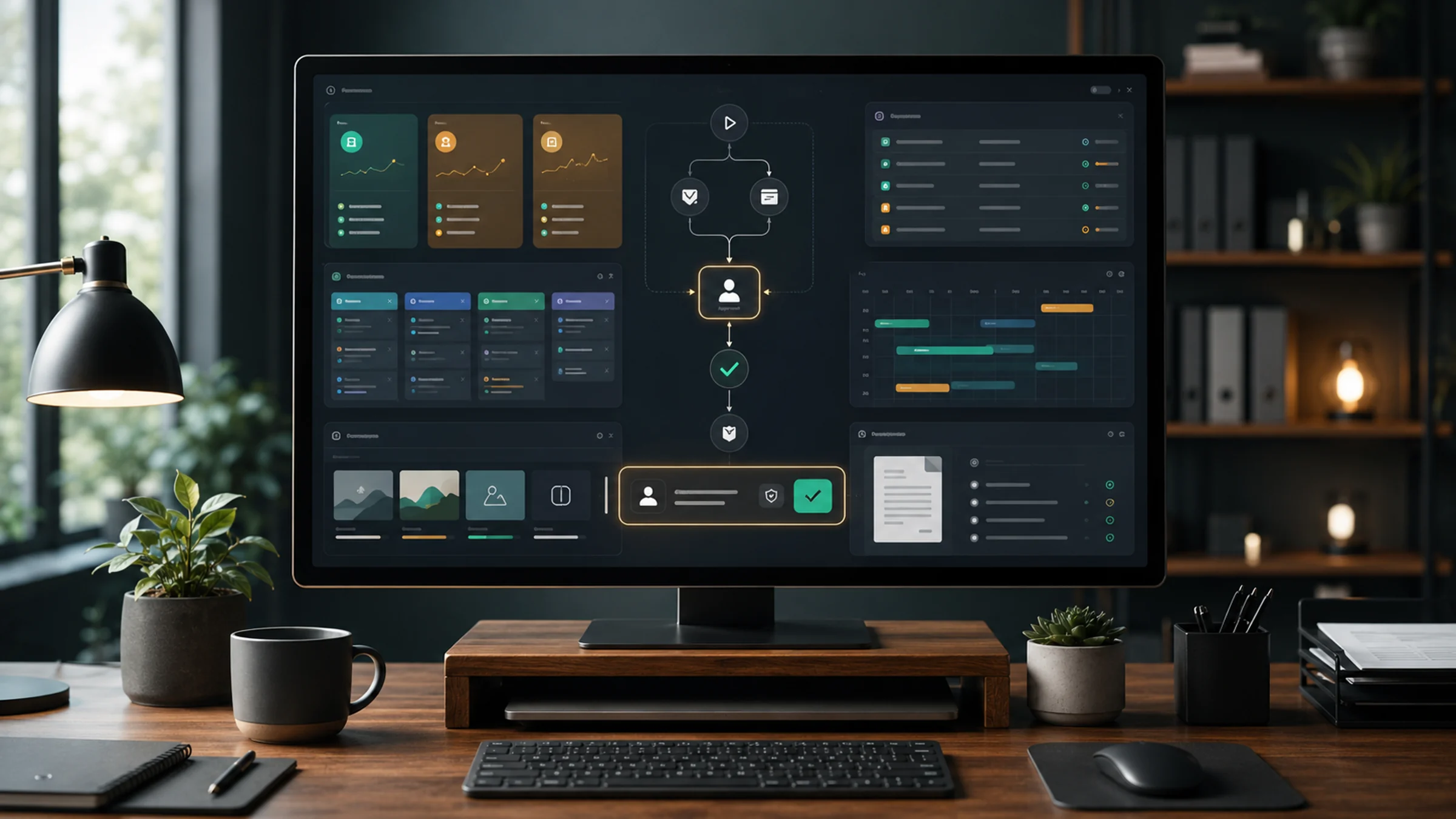
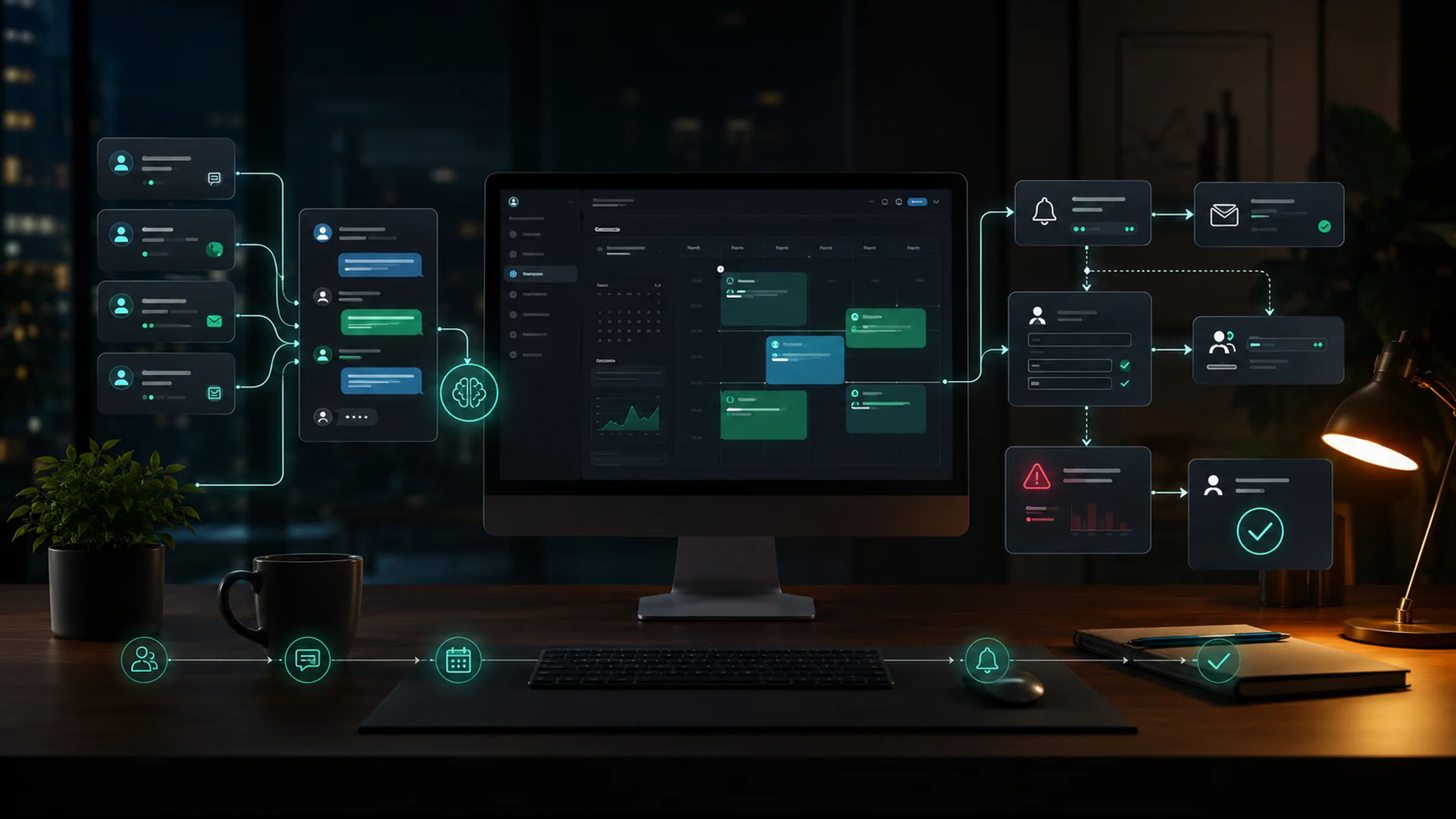
Build the workflow as separate steps:
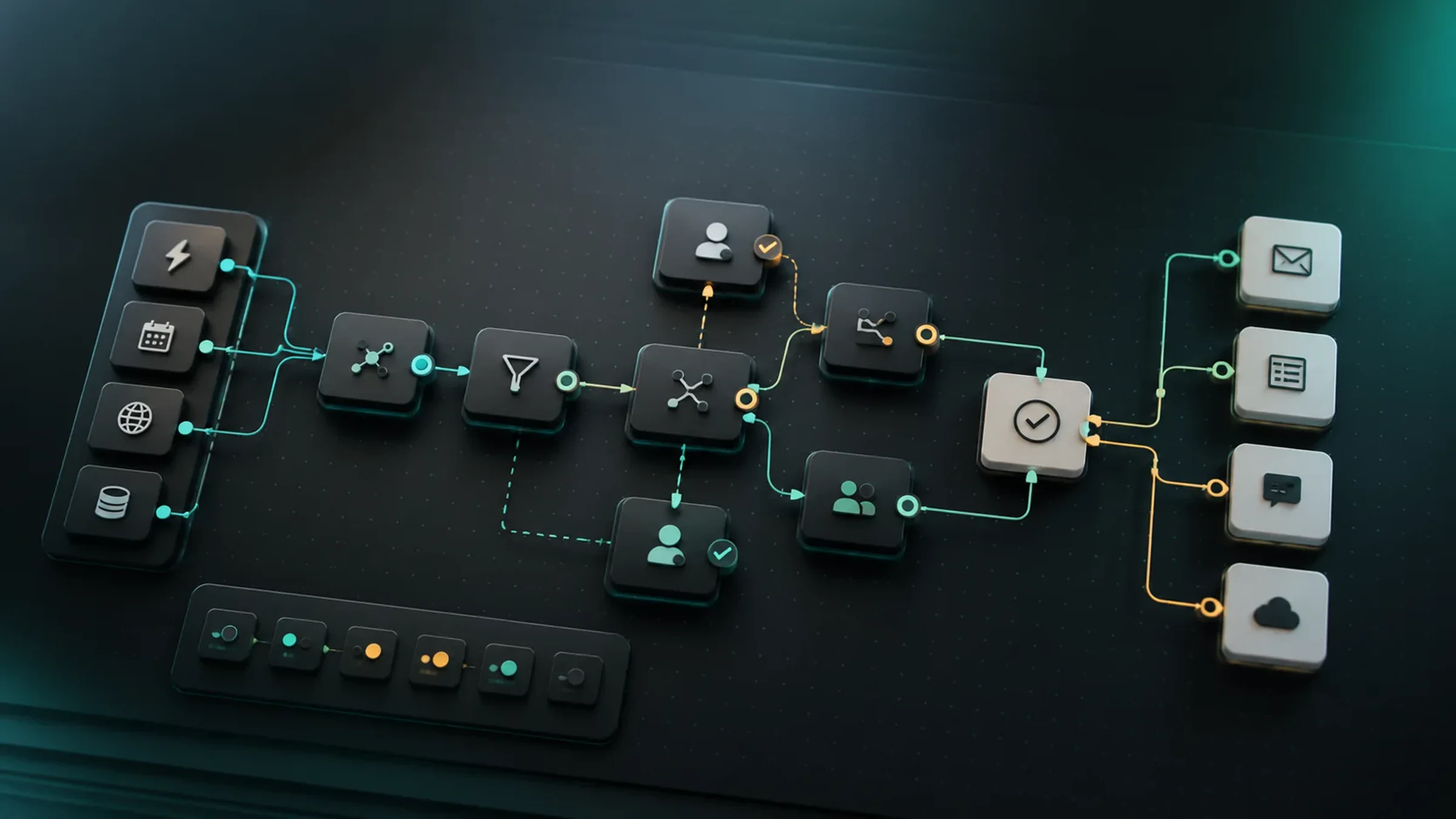
Inquiry arrives
-> AI summarizes the request
-> routing rules choose a booking path
-> customer receives the right scheduling option
-> calendar booking creates a record
-> reminders confirm time, location, and prep
-> reschedule/cancellation path is available
-> CRM receives appointment context
-> team reviews high-risk or high-value cases
Separating the steps matters. A calendar tool is good at availability. A CRM is good at customer history. An automation platform is good at handoffs. AI is useful for classification and writing, but it should not become the only system of record.
Choose the right scheduling stack
Do not choose a tool only because it has AI in the product page. Choose by workflow shape.
| Situation | Better starting point | Why |
|---|---|---|
| You need a clean booking page and reliable availability checks | Calendly | Strong fit for event types, booking pages, team routing, reminders, and calendar discipline |
| You want developer control or agent-based scheduling paths | Cal.com | Flexible scheduling platform with agent and API directions for teams building custom flows |
| You want AI phone calls for confirmations or reminders | Cal.ai or a voice-agent stack | Useful when customers still prefer phone calls or no-shows are expensive |
| You already run sales in HubSpot | HubSpot Meetings | The scheduler can sit close to contacts, deals, meeting prep, and follow-up |
| You need the simplest booking page inside Google Workspace | Google Calendar appointment schedules | Good for a low-friction booking page when the workflow is simple |
| You sell appointments, classes, sessions, or paid services | Acuity Scheduling | Stronger when intake forms, payments, packages, and client reminders matter |
| You need to connect the scheduler to many other apps | Zapier or Make | Use for CRM updates, Slack alerts, email sequences, spreadsheets, and exception queues |
For most small teams, the best first version is one scheduling tool plus one automation layer. Add AI agents later, after the rules are clear.
Intake questions that make AI useful
AI cannot route a vague request well. The intake form, chat flow, or voice script should collect just enough information to choose the next step.
| Field | Ask for | Why it matters |
|---|---|---|
| Service needed | ”What do you need help with?” | Routes to the right event type |
| Desired timing | ”When would you like this handled?” | Separates urgent from flexible requests |
| Location or timezone | ”Where are you located?” | Avoids time and service-area mistakes |
| Existing customer status | ”Have we worked together before?” | Changes the handoff note and priority |
| Main concern | ”What would you like us to understand before the appointment?” | Gives the meeting useful context |
| Contact preference | Email, phone, WhatsApp, SMS | Keeps reminders on the right channel |
| Consent for reminders | Simple confirmation | Keeps follow-up cleaner |
Keep the form short. A service business needs enough detail to avoid the wrong appointment, not a twenty-question survey that blocks the booking.
The AI routing prompt
Use a strict prompt for the classification step.
You are helping a small service business route an appointment request.

Use only the request details below. Do not invent prices, availability, eligibility, discounts, service promises, or policies.

Return:
1. One-sentence request summary
2. Service category
3. Urgency: urgent, normal, flexible, or unclear
4. Booking path: book now, ask a question first, human review first, or decline politely
5. Suggested event type
6. Missing information
7. Reminder notes the customer should receive
8. CRM handoff note for the team
9. Risk flags that require human review

If information is missing, write "Not provided."
The most important output is not the booking link. It is the “human review first” option. That prevents the workflow from pushing sensitive or bad-fit requests into the calendar just because a slot is open.
Booking rules that protect the calendar
Good automation should protect your time, not fill every available gap.
Use rules like these:
| Rule | Example |
|---|---|
| Buffer time | Add 10-15 minutes before and after calls that require prep |
| Daily limits | Cap consultations per day so delivery work does not disappear |
| Minimum notice | Prevent same-hour bookings unless the service is designed for urgent calls |
| Service-specific calendars | Keep sales calls, paid sessions, support calls, and onboarding calls separate |
| Timezone confirmation | Repeat the appointment time in the customer’s timezone |
| Payment or deposit step | Require payment before paid sessions or high no-show services |
| Manual review checkpoint | Require approval for unusual, high-value, or sensitive requests |
These rules matter more than the AI model. A brilliant assistant attached to a badly configured calendar will still create bad appointments.
Reminder and no-show workflow
A strong reminder flow is usually worth more than a flashy AI assistant.
Use three reminders:
| Timing | Message goal |
|---|---|
| Immediately after booking | Confirm time, channel, location, and what to prepare |
| 24 hours before | Reduce forgetfulness and allow clean rescheduling |
| 1-2 hours before | Confirm attendance for calls or local appointments where no-shows hurt |
AI can personalize reminders from the intake summary, but keep them short. The customer should know:
- when the appointment is,
- where or how to join,
- what to bring,
- how to reschedule,
- what happens if they are late.
If no-shows are expensive, add a “confirm or reschedule” step. If the customer does not confirm, send an internal alert before the slot is wasted.
CRM handoff
Every booked appointment should create or update a customer record. The handoff note should be short enough to read before the call.
Appointment brief
- Customer:
- Service requested:
- Appointment type:
- Main concern:
- Urgency:
- Source:
- Previous contact:
- Missing details:
- Risk flags:
- Suggested next question:
This is where appointment scheduling connects to the rest of the business. If the meeting turns into a proposal, use the AI proposal automation workflow. If the person becomes a client, move the confirmed context into AI client onboarding automation.
Where voice and messaging agents fit
Voice and messaging agents can be useful, but only after the scheduling rules are stable.
Use a voice agent for:
- missed calls after hours,
- simple confirmations,
- reminder calls,
- rescheduling requests,
- basic lead qualification before booking.
Use a messaging agent for:
- WhatsApp appointment questions,
- Instagram or Messenger inquiries,
- service-area checks,
- booking link recommendations,
- follow-up when a lead did not choose a slot.
Do not let an agent negotiate prices, diagnose sensitive problems, make refund decisions, or promise availability outside the calendar rules. Use the agent to collect context and hand off cleanly.
Metrics to watch
Track operational metrics, not vanity metrics.
| Metric | What it tells you |
|---|---|
| Time to first booking option | How quickly an inquiry gets a real next step |
| Qualified booking rate | Whether the workflow books the right people |
| Show rate | Whether reminders and expectations are working |
| Reschedule rate | Whether the offered times fit the customer |
| Manual rescue time | How much human effort is still needed |
| Bad-fit appointment rate | Whether qualification is too loose |
| CRM note completeness | Whether the team has enough context before the call |
If show rate improves but bad-fit appointments increase, the workflow is not better. It is just faster at filling the wrong calendar slots.
A 7-day build plan
| Day | Build |
|---|---|
| 1 | Pick one appointment type and write the booking rules |
| 2 | Create the intake form or chat questions |
| 3 | Set up calendar availability, buffers, limits, and reminder basics |
| 4 | Add AI classification and the CRM handoff note |
| 5 | Add reschedule and cancellation paths |
| 6 | Test ten sample requests, including bad-fit and urgent cases |
| 7 | Review metrics and decide what should remain human-controlled |
Do not connect every channel on day one. Start with the place where the best inquiries already arrive, then expand to phone, WhatsApp, or website chat.
Common mistakes
| Mistake | Better choice |
|---|---|
| Sending everyone the same booking link | Route by service type, urgency, and fit |
| Letting AI invent availability | Let the calendar own availability |
| Asking too many intake questions | Ask only what changes the booking path |
| Automating refunds and exceptions too early | Route exceptions to a person |
| Forgetting timezone and reminder details | Repeat time, channel, and reschedule path clearly |
| Measuring only bookings | Measure show rate, fit, and prep quality |
FAQ
Is AI appointment scheduling the same as a calendar booking page?
No. A booking page lets someone choose a time. AI appointment scheduling adds classification, routing, reminders, reschedule logic, and handoff context around that booking page.
Which tool should a small business start with?
If the workflow is simple, start with Google Calendar appointment schedules or Calendly. If booking is tied to CRM activity, HubSpot Meetings may fit better. If you sell sessions or need payments and intake forms, Acuity is often a stronger starting point. If you need custom agent flows, look at Cal.com and an automation platform.
Should an AI agent book appointments automatically?
Only for low-risk, clearly defined cases. For custom quotes, sensitive services, complaints, refunds, and high-value deals, AI should summarize and route the request before a person approves the next step.
How do I reduce no-shows?
Use immediate confirmation, a 24-hour reminder, a short final reminder, a simple reschedule link, and a confirmation check for expensive appointments. The reminder should explain what to prepare and what happens if the customer is late.
What is the best first automation?
Start with “new inquiry to qualified booking option.” If that works, add CRM notes, reminders, rescheduling, and channel-specific agents later.
Sources checked
Main public pages used to verify product details, pricing context, and comparison claims in this guide.
- AI at Calendly Calendly
- Cal.com Agents Cal.com
- Cal.ai Cal.com
- HubSpot Meeting Scheduler HubSpot
- Create an appointment schedule Google Calendar Help
- Online appointment scheduling with Google Calendar Google Workspace
- Acuity Scheduling by Squarespace Squarespace
- Appointment Reminders Software Acuity Scheduling
- Zapier Zapier
- Make Make
- When to use AI Agents versus automation Make
- Agents, human agency, and the opportunity for every organization Microsoft WorkLab