Quick answer
Help a small support team choose an AI support platform by matching the tool to support volume, knowledge base quality, handoff rules, and operating maturity.
- Best for
- Small businesses, SaaS teams, agencies, ecommerce teams, and support leads choosing an AI customer support platform.
- Topic
- SaaS Reviews
- Last checked
- Jun 6, 2026
Workflow snapshot
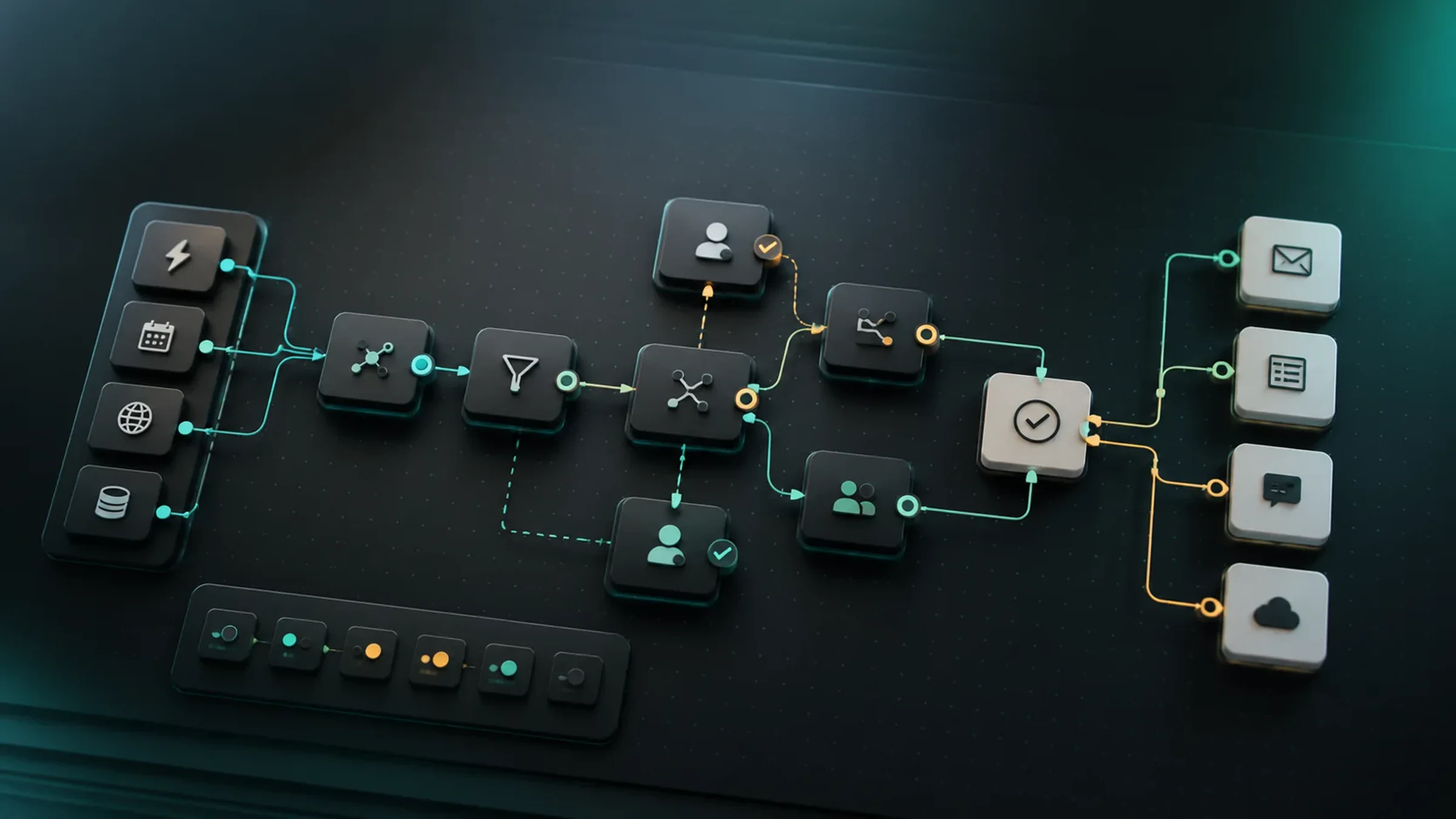
A practical map for turning this guide into an automation flow.
- 01 Input
Define the recurring job, required data, owner, and success check before adding automation.
- 02 AI pass
Use AI for drafting, sorting, summarizing, routing, or tool calls only where the workflow has clear boundaries.
- 03 Human check
Keep approvals, exceptions, cost limits, and sensitive decisions under human review.
- 04 Output
Turn the result into a checklist, saved prompt, SOP, or monitored automation run.
- AI customer support
- Intercom Fin
- Zendesk AI
- Help Scout AI
- support automation
Implementation notes
Use the guide as a workflow decision, not a tool shortcut.
Before you automate, confirm the work input, the human review point, and the result you will measure after launch.
Which option should own this workflow step?
Help a small support team choose an AI support platform by matching the tool to support volume, knowledge base quality, handoff rules, and operating maturity.
6 Sources checked
Check the linked source notes and product documentation before relying on claims that may change.
Comparisons
Move from reading to one small pilot, then expand only after the review point is clear.
- Confirm the input data is available and clean enough for the workflow.
- Decide what needs human approval before customers, money, or records are affected.
- Track one result so the automation can be improved instead of simply added.
Workflow path
Where this guide fits
Use this section to connect the guide you are reading with the broader workflow it supports.
A path for triaging inboxes, comparing support AI tools, summarizing feedback, and turning repeated issues into better documentation.
Open workflow path- Best fit
- teams handling support across email, chat, forms, and calls
- Not ideal if
- You only need a narrow tutorial for one product instead of a tradeoff-based buying decision.
AI support tools are easy to misunderstand. The question is not “which chatbot is smartest?” The better question is: which support system can answer customers from reliable knowledge, escalate the right tickets, and avoid creating new work for your team?
Intercom Fin, Zendesk AI, and Help Scout AI all point toward faster customer support, but they fit different teams. Intercom is strongest when you want an AI-first support experience and are comfortable paying around resolved conversations. Zendesk is strongest when support operations are already complex or already live inside Zendesk. Help Scout is strongest when a small team wants a simpler support desk and AI help without turning the operation into a heavy enterprise project.
This comparison focuses on workflow fit, not hype. Pricing, plan names, and usage limits can change, so verify the current product pages before purchasing.
Quick verdict
| If your support team needs… | Start with | Why |
|---|---|---|
| An AI-first support agent that can resolve common questions before a human joins | Intercom Fin | Fin is positioned around AI resolution and an integrated Intercom support experience |
| AI inside a mature ticketing operation with routing, macros, agents, QA, and larger support teams | Zendesk AI | Zendesk fits teams that already need structured service operations |
| A cleaner support inbox with AI help, knowledge base answers, and a lower operational learning curve | Help Scout AI | Help Scout is easier to reason about for small teams that value simplicity |
| The lowest-risk first AI support project | Help Scout or an existing Zendesk/Intercom setup | Changing the whole support desk only for AI is usually too disruptive |
| The most advanced automation stack | Zendesk or Intercom | Both can support more complex routing and automation than a lightweight inbox |
| Better answers from existing help docs | Any of the three, but only after knowledge cleanup | AI support is only as good as the approved answers it can use |
The wrong choice usually happens when a team buys the most impressive demo before checking its own support reality: ticket volume, repeated questions, help center quality, refund rules, escalation rules, and who reviews AI replies.
Compare the support workflow first
Before choosing a platform, map how a normal customer question moves through the business.
| Workflow step | What to inspect | Why it matters |
|---|---|---|
| Intake | Email, live chat, form, social, in-app message, or help center | The tool should sit where customers already ask questions |
| Identification | Customer, account, order, plan, product area, language | AI needs enough context to avoid generic answers |
| Knowledge | Help center article, policy, product doc, internal SOP, macro | Weak source material leads to weak AI responses |
| Escalation | Refund, bug, angry customer, high-value account, security issue | A good AI setup knows when not to answer |
| Resolution | Solved by AI, solved by human, reopened, escalated, or abandoned | Resolution quality matters more than first reply speed |
| Improvement | Missing article, unclear policy, repeated complaint | AI should reveal documentation gaps, not hide them |
If your team has not built this map yet, read the AI support inbox triage workflow first. The platform comparison is easier once your escalation and category rules are clear.
Product fit table
| Lens | Intercom Fin | Zendesk AI | Help Scout AI |
|---|---|---|---|
| Best natural fit | AI-first customer support with chat, help center, and support workflows | Mature support operations with ticketing, routing, reporting, and admin control | Small teams that want a friendly support inbox plus AI assistance |
| Strong first use case | Resolve repetitive questions from approved support knowledge | Triage, agent assistance, automation, QA, and larger service workflows | Summaries, drafting, help center answers, and simpler customer replies |
| Knowledge base dependency | High | High | High |
| Team maturity needed | Medium | Medium to high | Low to medium |
| Biggest risk | Paying for resolutions before your knowledge and escalation rules are ready | Buying enterprise-style complexity before the team can maintain it | Expecting lightweight AI assistance to replace a full service operation |
| Best buying question | ”Which conversations should Fin resolve, and which must become a human ticket?" | "Do we already need Zendesk-level service operations?" | "Can we improve response quality without adding support process weight?” |
No AI support platform fixes unclear policies. If your refund, cancellation, account access, and product limitations are vague, the AI will either give vague answers or escalate too often.
When Intercom Fin fits best
Intercom Fin is a strong first shortlist item when the company wants AI to be a front-line support layer, not just an assistant for human agents.
It fits teams that:
- receive many repetitive customer questions,
- already use or are willing to move into Intercom,
- have a help center that can support automated answers,
- want a chat-first support experience,
- care about deflecting routine questions before they become tickets,
- can monitor AI resolution quality closely.
The official Intercom pricing page presents Fin AI Agent around resolved conversations and lists AI agent features alongside Intercom’s support platform plans. That pricing shape matters. It encourages the buyer to ask whether AI resolution is truly valuable for the ticket mix, not merely whether the monthly plan looks affordable.
Intercom is most useful when you can define answer boundaries:
| Customer question | Fin can usually help if… | Human should take over if… |
|---|---|---|
| ”How do I reset this setting?” | The article is current and product UI is stable | The customer has account-specific damage |
| ”Can I get a refund?” | Policy is simple and the answer is informational | The customer needs an exception, refund approval, or complaint handling |
| ”Why is my integration failing?” | Known setup steps are documented | It may be a bug, outage, or account-specific issue |
| ”Which plan should I choose?” | The answer can point to public plan differences | The conversation affects a negotiated sale |
The main Intercom risk is overconfidence. An AI-first support experience can feel impressive in demo mode, but real customers bring edge cases, emotional tone, and account context. Use a phased rollout: answer only safe topics first, then expand after reviewing unresolved and reopened conversations.
When Zendesk AI fits best
Zendesk AI is strongest when the support desk is already a real operation, not just a shared inbox.
It fits teams that:
- already use Zendesk or need Zendesk-style ticket operations,
- have multiple agents, queues, languages, brands, or service levels,
- need routing, reporting, macros, QA, and admin controls,
- want AI to assist both customers and human support staff,
- treat support as an operational system with measurable outcomes.
Zendesk’s AI pages emphasize AI agents, agent assistance, workforce tools, quality assurance, and automation across service workflows. Its pricing pages also describe AI agent resolution allowances and add-ons. For a small team, that means Zendesk can be powerful, but it can also be more system than you need.
Zendesk makes sense when support has operational complexity:
| Support condition | Why Zendesk may fit |
|---|---|
| Many categories and priorities | Routing and ticket structure matter |
| Multiple agents or managers | Admin, QA, and reporting matter |
| Repeated macros and escalation rules | AI can improve consistency |
| Existing help center and service data | AI has better source material |
| Need to measure service quality | Reports and process controls matter |
The risk is buying a heavy platform before the team has the habits to maintain it. AI features are not a substitute for clean tags, owned queues, current macros, and clear escalation rules.
If your support operation connects into automation tools, pair this decision with Zapier vs Make vs n8n. Zendesk may handle the service desk, while automation moves follow-up tasks into CRM, project management, reporting, or billing.
When Help Scout AI fits best
Help Scout AI is usually the clearest fit for small teams that want better support quality without enterprise process weight.
It fits teams that:
- want a clean shared inbox,
- prefer simple workflows over complex administration,
- need AI summaries and drafting help,
- want help center answers without rebuilding the whole support operation,
- value a human support tone,
- have modest support volume but want fewer repetitive replies.
Help Scout’s official AI pages describe AI Answers and AI assistance inside the support workflow. Its docs for AI Answers pricing also make the resolution model explicit. The important point for small teams is not only price. It is whether the team can maintain the knowledge base and review AI answers without adding a new operations layer.
Help Scout is a good first choice when the team says:
- “We are not ready for a complex ticketing system.”
- “We need faster replies, but we still want support to feel personal.”
- “Most questions are repetitive, but exceptions matter.”
- “Our help articles need improvement, and AI should show us where.”
The risk is expecting a lightweight support system to behave like a large enterprise service platform. If you need deep routing, complex service levels, workforce management, or large-team analytics, Zendesk or Intercom may be a better long-term fit.
The knowledge base test
Before paying for AI support, run this test.
Choose the 25 most common support questions from the last 60 days. For each question, mark one of four states.
| State | Meaning | Action before AI rollout |
|---|---|---|
| Clear approved answer | The answer exists and is current | Safe candidate for AI |
| Answer exists but is outdated | The article or macro is stale | Update before AI uses it |
| Policy unclear | The team gives different answers | Decide the policy first |
| Account-specific | The answer depends on private customer data | Require human review |
If fewer than half of the common questions have clear approved answers, do not start with a broad AI agent rollout. Start with documentation cleanup and inbox triage.
The useful AI support workflow is:
- classify the message,
- find the approved answer,
- draft or deliver the reply,
- escalate uncertainty,
- log the missing answer,
- improve the knowledge base weekly.
That last step is the difference between a durable support system and a chatbot experiment.
Pricing and rollout traps
AI support pricing can be harder to compare than normal SaaS pricing. Some plans charge by seat, some by resolved conversations, some by AI usage, some by add-on, and some by included allowance.
Watch for these traps:
| Trap | What it looks like | Better question |
|---|---|---|
| Resolution optimism | ”AI will solve most tickets” | Which categories can be safely resolved today? |
| Seat confusion | Only agent seats are counted | Who needs admin, QA, reporting, or setup access? |
| Knowledge cleanup cost | Old docs are ignored in the buying decision | Who will update articles and macros before launch? |
| Escalation burden | AI deflects easy questions and leaves only hard ones | Can the team handle a denser queue of complex issues? |
| Reopen rate | Customers get quick answers but return angry | Are AI-resolved conversations staying resolved? |
For a support tool, the cheapest plan can become expensive if it increases rework. Track reopen rate, escalation quality, and customer sentiment, not just first response time.
A 14-day pilot plan
Do not roll out every feature at once. Run a narrow pilot.
Days 1-2: export the top 50 recent support questions. Group them into categories such as billing, login, how-to, bug, cancellation, complaint, and sales.
Days 3-4: choose the 20 safest questions. Update the help articles or macros that answer them.
Days 5-7: test Intercom Fin, Zendesk AI, or Help Scout AI on the same question set. Score each answer for accuracy, tone, escalation, and missing context.
Days 8-10: turn on AI for only the safest category. Keep human review on anything involving refunds, anger, account access, legal language, security, or product failure.
Days 11-14: review resolved, reopened, escalated, and unanswered conversations. Decide whether to expand, pause, or fix documentation first.
Use the AI workflow audit scorecard to judge whether the pilot is actually safer and faster, not just more automated.
Final recommendation
Choose Intercom Fin if you want an AI-first front line and your support knowledge is clean enough to resolve repetitive conversations safely.
Choose Zendesk AI if your support operation already needs structured ticketing, routing, QA, reporting, and a more mature service platform.
Choose Help Scout AI if you want a simpler support desk where AI improves summaries, drafting, knowledge answers, and small-team speed without a heavy rollout.
If you are not sure, do not start by changing platforms. Start by cleaning the top 25 support answers, writing escalation rules, and testing one narrow category. The best AI support platform is the one your team can operate every week without losing customer trust.
Official pages to check before buying
- Intercom pricing and Fin AI Agent
- Intercom Fin overview
- Zendesk AI pricing
- Zendesk AI agents
- Help Scout AI overview
- Help Scout AI Answers pricing documentation
Plan names, resolution allowances, AI usage rules, and regional availability can change. Confirm the current details on the official product page before purchasing or moving customer conversations into automation.
Sources checked
Main public pages used to verify product details, pricing context, and comparison claims in this guide.