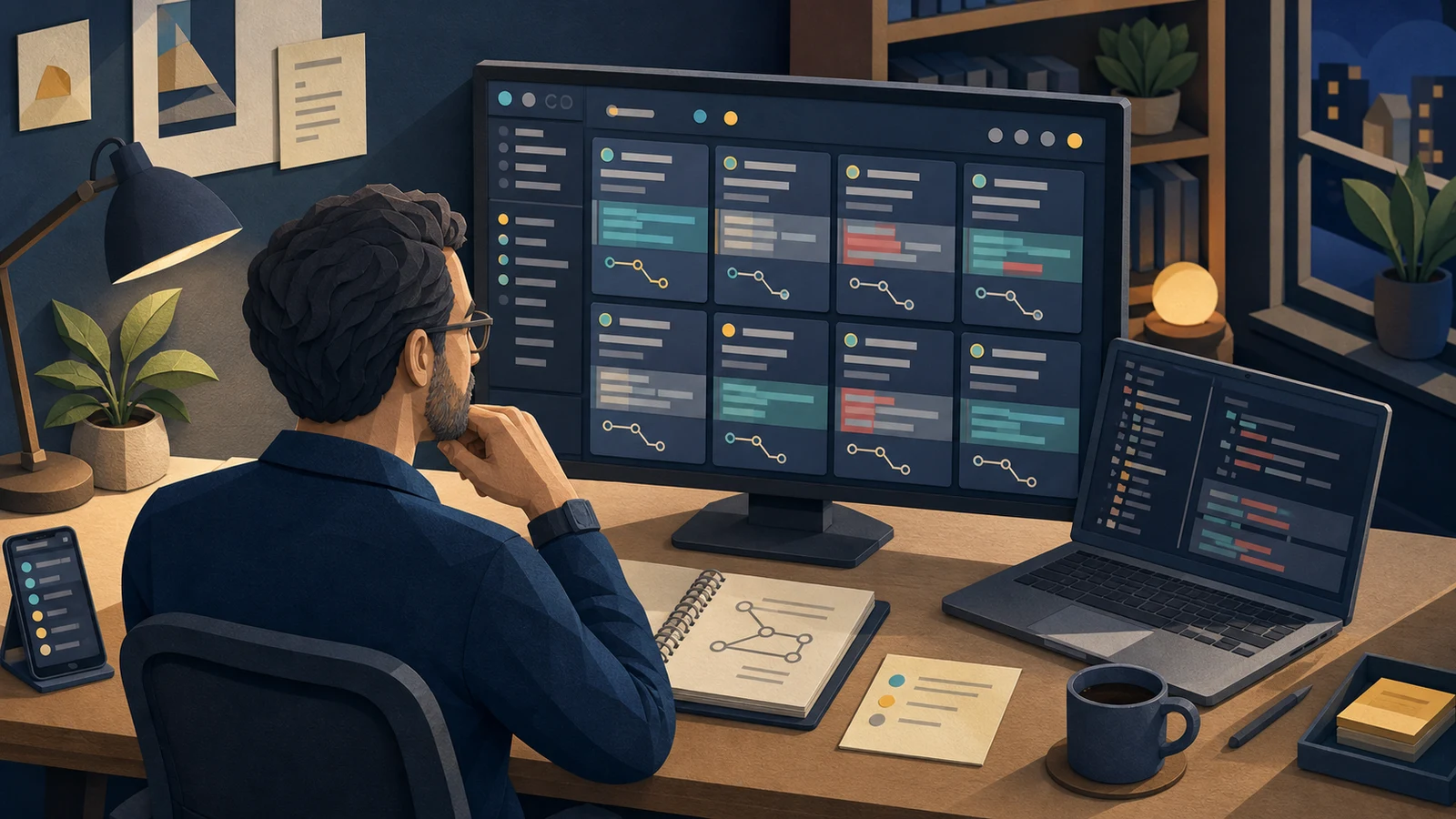
Choosing between Claude Code and Codex can feel like the main decision when only one coding agent is open. Once three or four sessions are running, the question changes. The hard part becomes remembering what each agent was asked to do, where it stopped, and which change is waiting for review.
A terminal can launch as many sessions as the machine can handle. Human attention reaches its limit sooner. Completion notices are missed, branch names blur together, and similar answers have to be reread from the beginning. Orca and Paseo matter because they reorganize that supervision work, not because they provide a smarter model.
This is not a hands-on speed or stability benchmark. The comparison uses official documentation, public repositories, and official interface assets checked on August 19, 2026. Features can move quickly, so verify the linked product pages before adopting either tool as a team standard.
The practical question
The useful question is not “How many agents can I run?” It is “How quickly can I find the session that needs a person now?” A new dashboard can be needless overhead for someone alternating between two terminals. Ten worktrees and several subscriptions turn terminal tabs into a memory test.
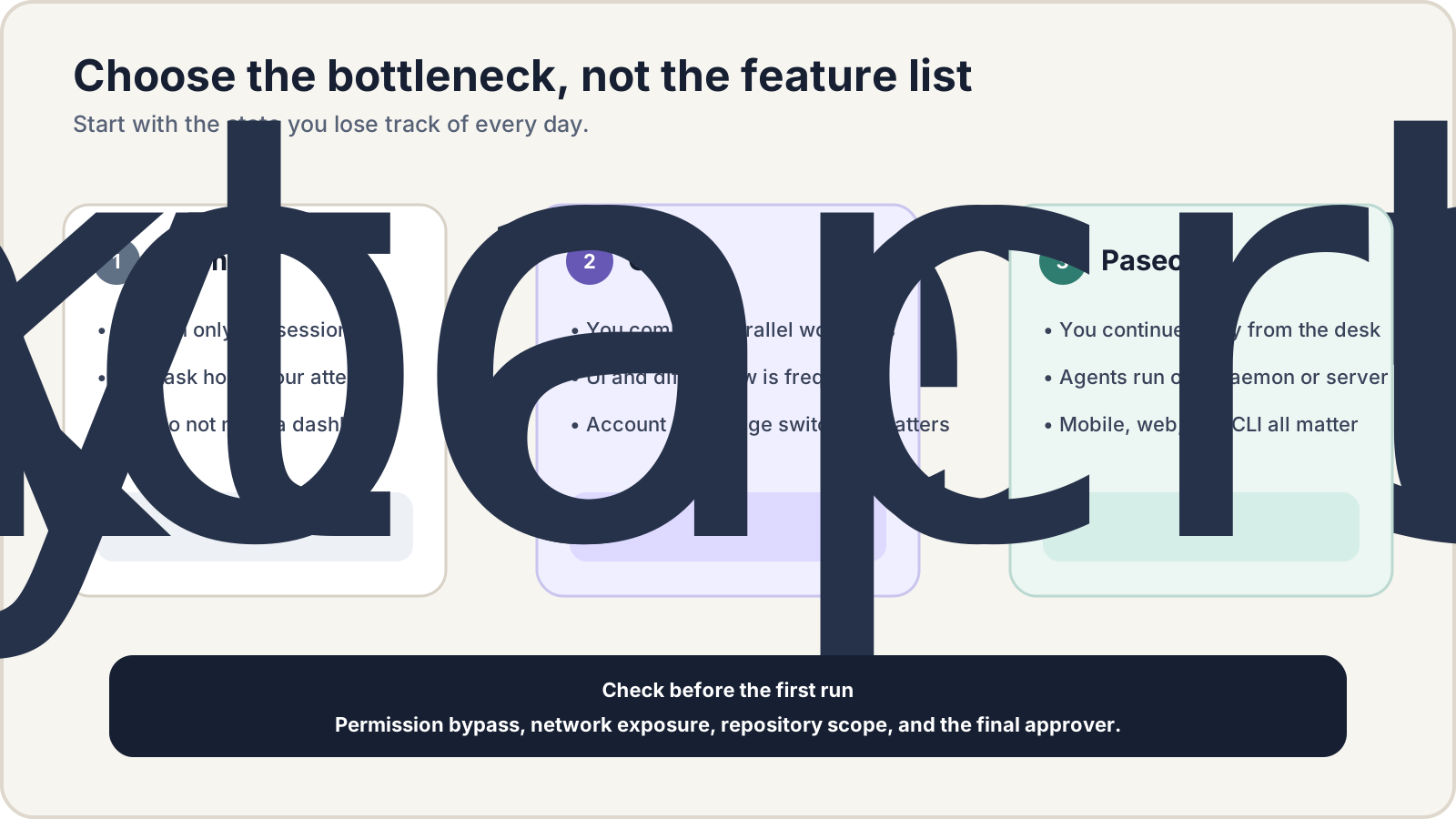
Location matters too. Some developers spend most of their time at a desk comparing a diff with a browser. Others need to leave the desk, check a waiting approval from a phone, and send the next instruction. Orca is more strongly shaped around the first job. Paseo is more strongly shaped around the second. The terminal wins when neither job needs a new layer.
The test conditions
The scenario is intentionally narrow: one repository, with a feature change, a test improvement, and a UI check delegated to separate agent sessions. A person reviews the outputs and adopts one branch. The comparison points are session state, worktree isolation, diff and browser review, account usage, reconnection away from the desk, permissions, and network boundaries.
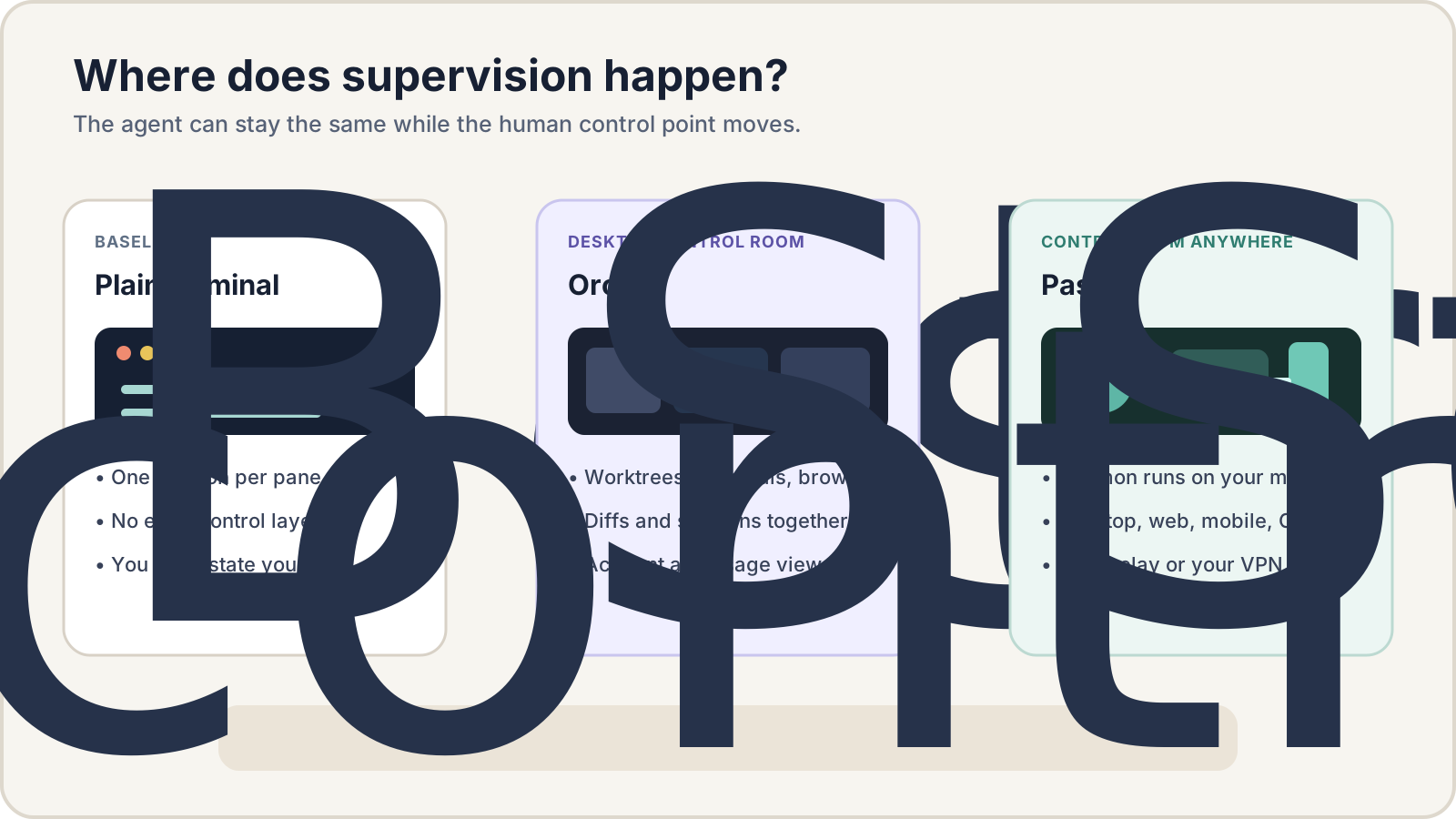
The main difference is the location of supervision. Terminal state remains distributed across windows. Orca collects the work into one desktop surface. Paseo keeps agents on a daemon and lets several clients reconnect to it.
When the terminal is enough
The official Codex CLI repository describes a coding agent that runs locally. Claude Code also begins in a terminal. Using a shell, tmux, and Git worktrees without another management layer keeps the system easy to trace. Existing shortcuts and scripts keep working, and there is less software to update.
That is usually enough for one or two sessions that receive focused attention until completion. It is also the most predictable choice where new desktop applications or remote connections are restricted, or where the harness itself must remain under tight control.
The approach starts to fail when a person must remember which window means “waiting for tests,” “waiting for an answer,” or “finished but unreviewed.” Once that state tracking consumes meaningful coding time, a supervision tool becomes worth considering.
Orca is a desktop control room
Orca’s documentation describes a desktop IDE that gives each task a Git worktree, agent terminal, and browser tab. It can send one task to several worktrees, compare the results, attach comments to diffs, and send them back to an agent. Design Mode can turn a clicked page element, its HTML, computed CSS, and clipping information into context. Claude Code and Codex receive deeper account switching and usage-limit integration.
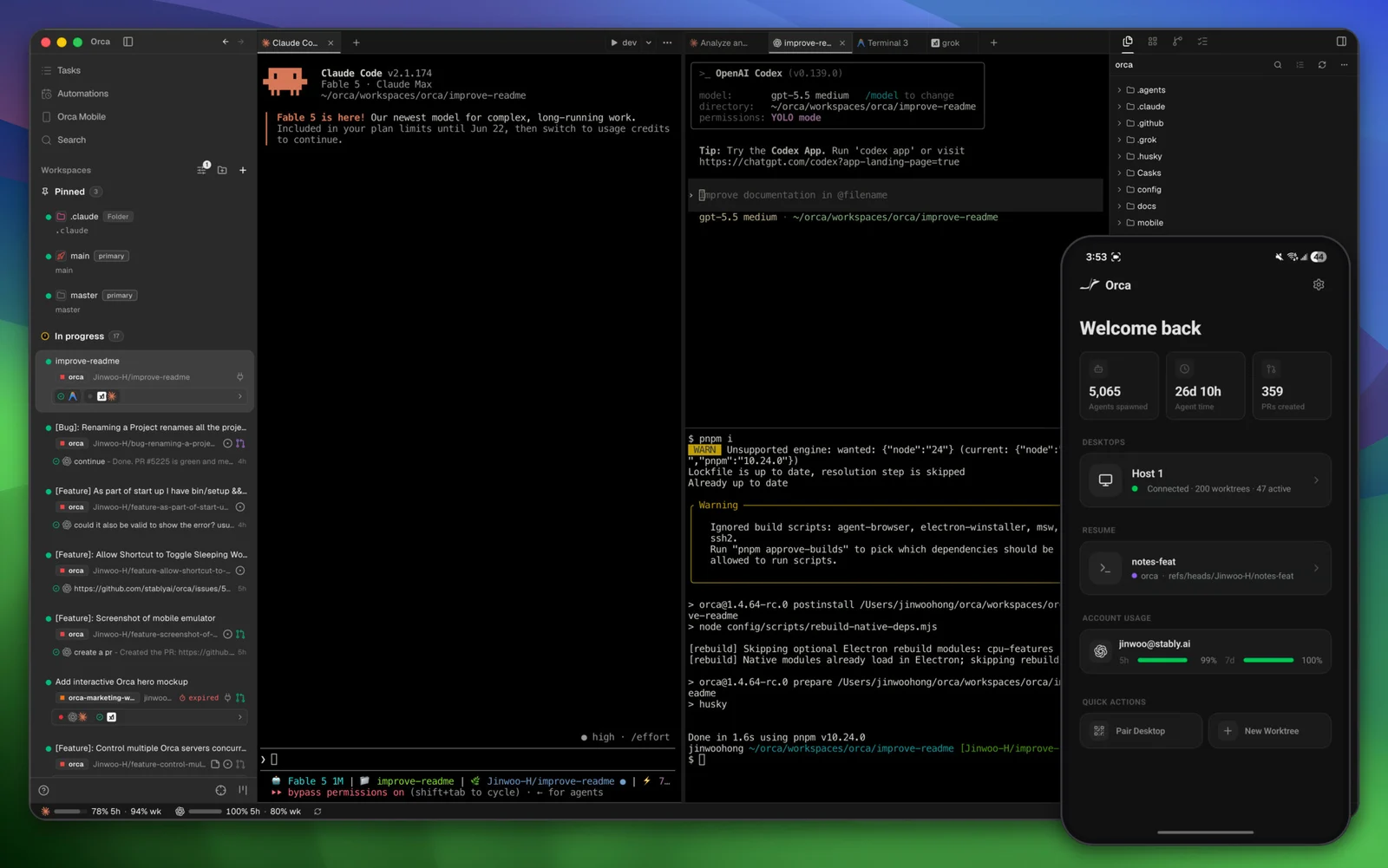
Source: stablyai/orca official repository, docs/assets/readme-hero.jpg, checked 2026-08-19. Orca is open source under the MIT License; the interface may change.
Orca therefore makes the most sense for a person who compares and reviews many outputs from one desk. Front-end work that moves repeatedly between the page, DOM, and diff is a particularly clear fit. It also solves a real problem when switching among several Claude or Codex accounts and checking their limits has become routine.
The cost is a denser product. The editor, terminal, browser, worktree list, and review flow all have to be learned. For one or two sessions, that can be more system than the work needs. Its mobile app acts more like a companion to the desktop, so a phone-first or web-first arrangement points more naturally toward Paseo.
Paseo follows the session across devices
The Paseo repository describes a daemon that runs agents on a computer or server while desktop, web, iOS, Android, and CLI clients connect to it. Claude Code, Codex, OpenCode, and Pi have native coverage, while the wider ACP catalog extends the provider list. Worktrees, diff review, and cross-provider orchestration are part of the documented workflow.
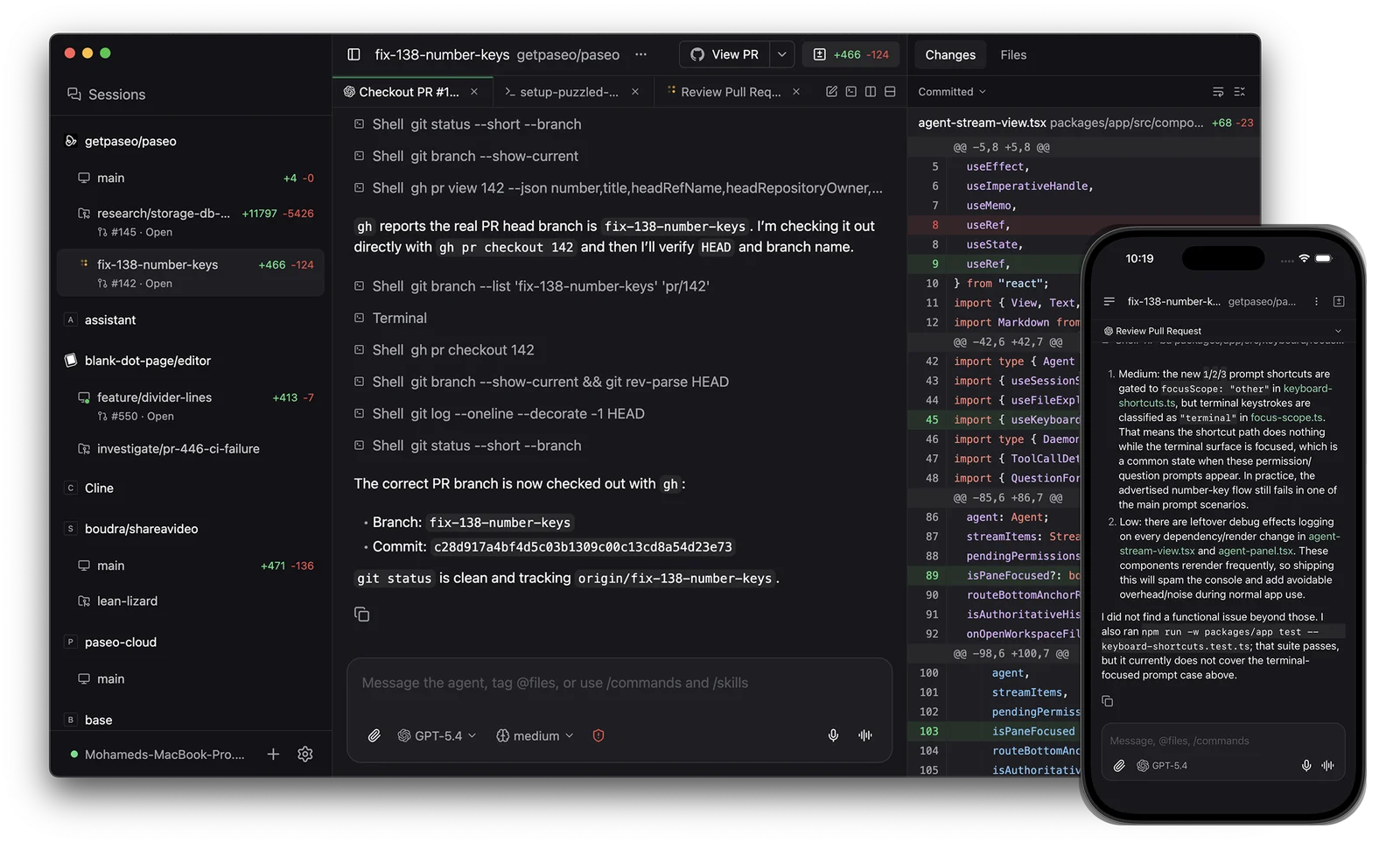
Source: getpaseo/paseo official repository, packages/website/public/hero-mockup.png, checked 2026-08-19. Paseo is open source under AGPL-3.0.
Paseo’s strongest idea is continuity, not information density. The daemon can live on a laptop, desktop, VPS, or in Docker while the client changes with the developer’s location. Voice control can use a local model or a selected provider when that interaction is useful.
That separation also creates a network service to secure. The official security documentation says the relay is disabled on a new installation until the user enables it, and an enabled relay uses end-to-end encryption. Direct access through a VPN such as Tailscale is another option. Binding the daemon to 0.0.0.0, however, exposes it on every network interface. A public deployment needs appropriate passwords, firewall rules, allowed hosts, and HTTPS rather than an open address.
Where it usually breaks
Both tools emphasize worktrees, but a worktree is Git isolation, not a complete security sandbox. An agent that can read home-directory credentials, reach the public network, or touch production data needs a separate permission boundary. Parallel agents can multiply mistakes as easily as useful work.
Orca’s supported-agent documentation says new launches are prefilled with bypass flags such as Claude’s --dangerously-skip-permissions and Codex’s --dangerously-bypass-approvals-and-sandbox. The mode can be changed to Manual. Starting with manual approval and widening access per repository is safer than assuming a worktree protects everything outside the branch.
Paseo binds locally by default, but remote access turns the daemon into a reachable service. Its documentation warns that anyone who can reach a daemon without a password can connect. Encryption in transit and access control solve different problems; both need a clear answer.
The more common failure is still the review queue. If five agents finish together and one person approves every diff, throughput does not become five times higher. Record completion state, time waiting for human review, retries, and discarded worktrees for a week. Those numbers show whether a management layer is needed or concurrency should be reduced.
What I actually compared
| Decision point | Plain terminal | Orca | Paseo |
|---|---|---|---|
| Supervision location | Individual terminal or tmux windows | Integrated desktop surface | Desktop, web, mobile, and CLI clients connected to a daemon |
| Parallel work | Manually arranged worktrees and windows | Worktrees, browser, and diff in one flow | Worktree workspaces with multiple clients |
| Strongest fit | Simplicity, low overhead, predictable control | Parallel comparison, UI and diff review, account visibility | Remote continuity, self-hosting, cross-device access |
| First risk to inspect | Lost human state | Suggested permission bypass and interface complexity | Daemon exposure, authentication, and encryption |
| License and model cost | Depends on the agent | MIT; agent subscriptions or API use are separate | AGPL-3.0; agent subscriptions or API use are separate |
What I would choose again
For two focused sessions, I would keep the terminal. The time saved does not yet repay the cost of learning another application. For several agents solving the same problem while I compare their screens and diffs at a desk, I would look at Orca first. For agents continuing on a remote server while I move between a computer and phone, I would choose Paseo.
I would not install both on day one. For a week, track only five states: running, waiting for a question, waiting for review, adopted, and discarded. If desktop comparison is where state disappears, try Orca. If changing location breaks continuity, try Paseo. If no state is being lost, the terminal is already doing the job.
Checklist before using this
- Count sessions that require simultaneous review, not only sessions that can run.
- Separate duplicated prompts for comparison from distinct tasks that can proceed independently.
- List credentials, files, and networks that remain reachable outside each worktree.
- In Orca, start new agents in Manual permission mode.
- For remote Paseo access, combine a relay or VPN with passwords, allowed hosts, and firewall rules.
- Measure review waiting time and discarded outputs, not only completion alerts.
- Name the person who can approve the final merge and external deployment.
Compare your own operating constraints
This is comparison research from official documentation and public repositories, not a hands-on performance or stability test. Use the worksheet to record the current source, supervision workflow, permissions, network boundary, and review limit that matter in your environment before choosing a tool. Download the AI tool comparison worksheet.
Sources I checked
- OpenAI Codex official repository: local CLI baseline
- Orca documentation: worktree-oriented IDE and remote worktrees
- Orca supported agents and permission defaults: bypass flags and Manual mode
- Orca official repository: features, supported systems, MIT license, and official interface
- Paseo official repository: daemon and client structure, AGPL-3.0 license, and official interface
- Paseo security documentation: relay encryption, direct access, passwords, and network exposure
- Paseo worktree documentation: workspace isolation, branches, review, and cleanup
Orca and Paseo do not make an agent smarter. They recover the session state that people lose as parallel work grows. The choice should therefore begin with the supervision problem, not the agent count.
References and reporting
Public pages used for reported facts, official documentation, policy background, product details, and claims that may change.
- Codex CLI official repositoryOpenAIUsed for: plain terminal baseline; local CLI workflowChecked: 2026-08-19
- What is Orca?OrcaUsed for: worktree-centered design; target workflow; remote worktreesChecked: 2026-08-19
- Supported agentsOrcaUsed for: agent support; default permission modesChecked: 2026-08-19
- Orca repositoryStably AIUsed for: parallel worktrees; Design Mode; account usage; MIT license; official interfaceChecked: 2026-08-19
- Paseo repositoryPaseoUsed for: daemon and client architecture; supported clients; AGPL-3.0 license; official interfaceChecked: 2026-08-19
- Paseo securityPaseoUsed for: encrypted relay; direct connection; passwords; network exposureChecked: 2026-08-19
- Paseo git worktreesPaseoUsed for: worktree isolation; branch and review flowChecked: 2026-08-19