AI image tools have reached the point where the weak result is often not the model’s fault. The weak result usually starts one step earlier: nobody has decided what the image is supposed to do.
I see this most often with work images. Someone asks for a “premium AI visual” and expects one prompt to create a hero image, a comparison graphic, a product mockup, and a brand asset at the same time. The result looks busy. It may even look expensive for a few seconds. Then the problems appear: fake interface text, repeated dark dashboards, tiny labels, no real subject, and a mobile crop that turns the image into a black rectangle.
I would treat image generation like any other production workflow. Before opening ChatGPT, Gemini, Midjourney, Firefly, Ideogram, Recraft, Stable Diffusion, FLUX, Canva, Leonardo AI, Krea, or Runway, I want to know the asset job, the owner, the approval point, the fallback route, and the place where the image will be used.
The image brief I had to make usable
The case was intentionally close to daily work. A real publishing job: one blog hero, one mobile card thumbnail, and one explanatory graphic made from the same brief, then checked at desktop, card, and phone crop sizes. If the flow breaks there, a polished answer is only a nicer-looking draft.
The page assets I tested against
I used this as the work packet: A real publishing job: one blog hero, one mobile card thumbnail, and one explanatory graphic made from the same brief, then checked at desktop, card, and phone crop sizes. Before judging ChatGPT Images, GPT Image, DALL-E, Gemini, Imagen, Nano Banana, Claude, Midjourney, Adobe Firefly, Ideogram, FLUX, Stable Diffusion, Recraft, Canva, Leonardo AI, Krea, and Runway, I wrote down the source material, the review owner, where the result had to land, and what would break if the output was wrong. A neat answer was not enough; the workflow had to become easier to inspect.
What separated useful from decorative
| Check | What I watched | Failure signal |
|---|---|---|
| Input quality | Whether the source material was clear enough for the AI to use | The tool guessed missing context instead of asking for it |
| Human review | Whether a person could approve, edit, or reject the result quickly | The reviewer had to read everything again from scratch |
| Handoff | Whether the result could move into a document, table, ticket, or workflow | The next person had to reformat or reinterpret it |
| Repeatability | Whether the same pattern worked twice with different material | The first run looked good, the second run drifted |
The crop and handoff notes I kept
| Asset slot | What I checked | Rejection rule |
|---|---|---|
| Hero image | Whether the scene still explained the topic without fake UI text | Reject if the first impression was only atmosphere |
| Mobile card | Whether the subject survived a narrow crop | Reject if the important object moved outside the card |
| Body graphic | Whether the diagram explained a decision, not decoration | Use SVG or a clean information graphic instead of a photo overlay |
| Final WebP | Whether file size, alt text, and OG crop matched the page | Do not publish a pretty image that fails the card view |
Where the image failed in the layout
The first answer was not the part I trusted most. The real test came after it: The full-size image looked premium, but the card version exposed fake interface text, repeated dark desk scenes, weak crop focus, or an overlay that said nothing useful. When that still happens, the output is only a draft with good manners, not a workflow I would put in front of another team.
My tool-routing rule
I would keep the original prompt, two rejected crops, the final WebP, alt text, and a short note explaining why the rejected image failed as evidence before choosing the tool or workflow. If that evidence cannot be checked in a few minutes, I would narrow the automation scope before changing models or adding another integration.
Checks before accepting a generated image
- Write down the exact input the AI receives.
- Name the person who approves or rejects the result.
- Decide where the output has to land next.
- Keep one example of a failed run, not only the clean example.
- Measure saved review time, not just generation speed.
- Stop the workflow if the next person keeps rebuilding the output.
Sources I checked
For claims that can change, I used official documentation, product pages, and source notes that support claims likely to change. I keep those sources separate from opinion because pricing, model access, and platform features move quickly.
The short call
There is no single best image AI. There is a good first route for a specific job.
| Asset job | First route I would try | Failure signal |
|---|---|---|
| Blog hero with a real work feel | Real photo, ChatGPT Images edit, Gemini edit, Firefly edit | Looks like a generic SaaS dashboard with no task |
| Tool comparison image | Recraft, Ideogram, Figma, SVG, or manual layout | Tiny text inside a generated scene |
| Product mockup | Firefly, Recraft, Canva, GPT Image edit | Brand details drift after two revisions |
| Mood exploration | Midjourney, Krea, Leonardo AI, FLUX | The team approves mood but cannot use the asset |
| Repeatable local pipeline | Stable Diffusion, FLUX, ComfyUI, Fooocus | Nobody owns model, prompt, seed, and review history |
| Video or motion concept | Runway, Krea, storyboard first | The motion looks good but the message is unclear |
| Brief and visual critique | Claude, ChatGPT, Gemini | The reviewer rewrites taste but misses the business purpose |
For a public article, I usually separate the hero image from the decision graphic. The hero can be a real work scene. The matrix can be HTML, SVG, or a carefully laid out graphic. Combining both into one generated picture is where many cheap-looking assets begin.
Before opening any tool
I write five lines before prompting:
- where the asset will appear,
- what the reader should understand in three seconds,
- what must not appear,
- who approves the image,
- what makes the image fail.
That last line matters. “Looks premium” is not a failure criterion. “Contains fake readable UI text”, “cannot be cropped to 1200 x 630”, “does not show the actual work”, and “could describe any AI article” are real criteria.
This is also where the handoff format comes in. A blog card needs a different image from a deck cover. A newsletter header needs a different crop from a product mockup. A comparison chart should not be hidden inside a photoreal laptop screen. If the output needs to be edited by a designer later, the tool should support a clean handoff, not just a good first render.
Where ChatGPT Images fits
ChatGPT Images, GPT Image, and the older DALL-E naming are strongest for conversational iteration. I use that lane when the brief is not fully stable yet and the image needs several rounds of adjustment.
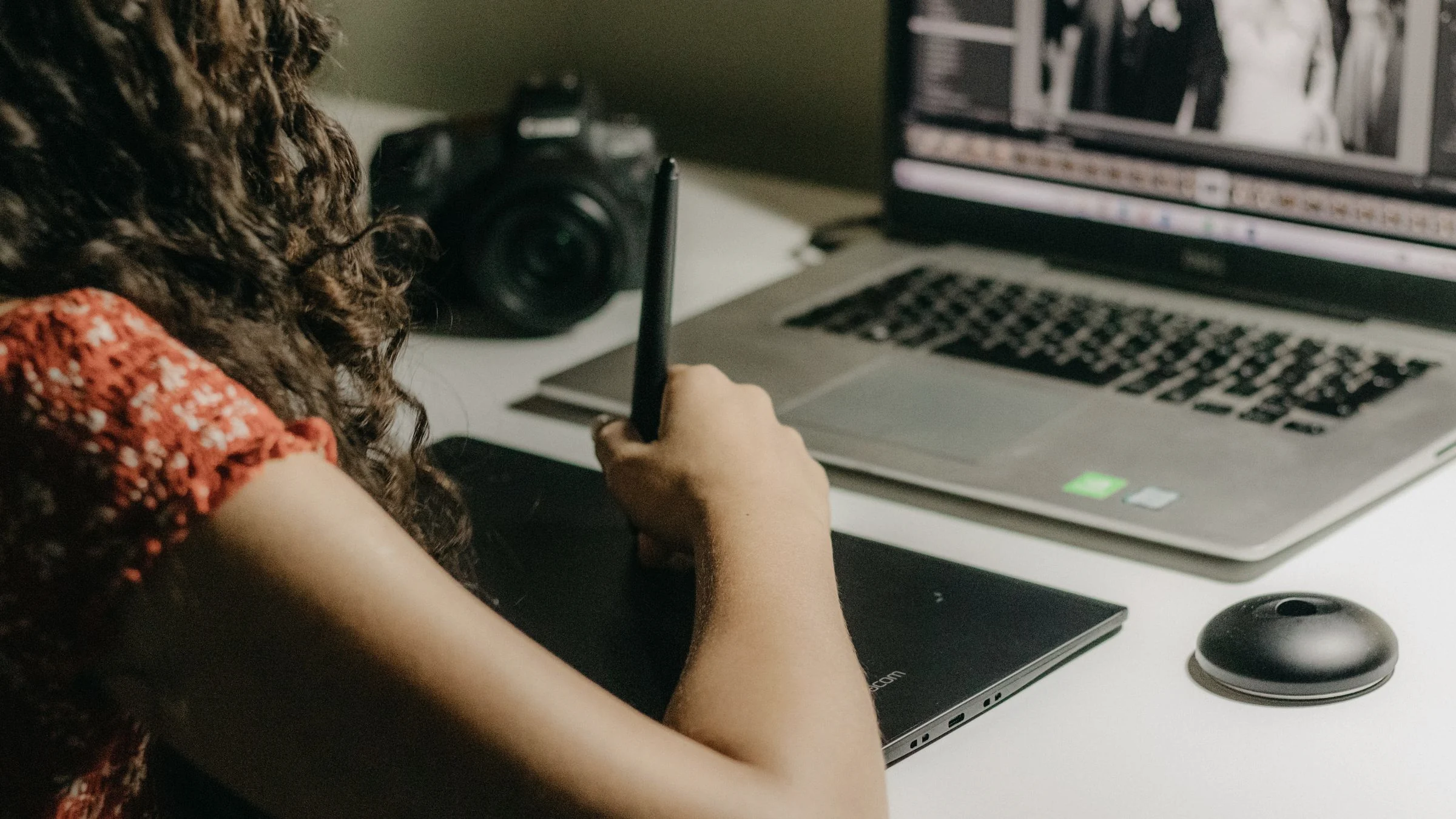
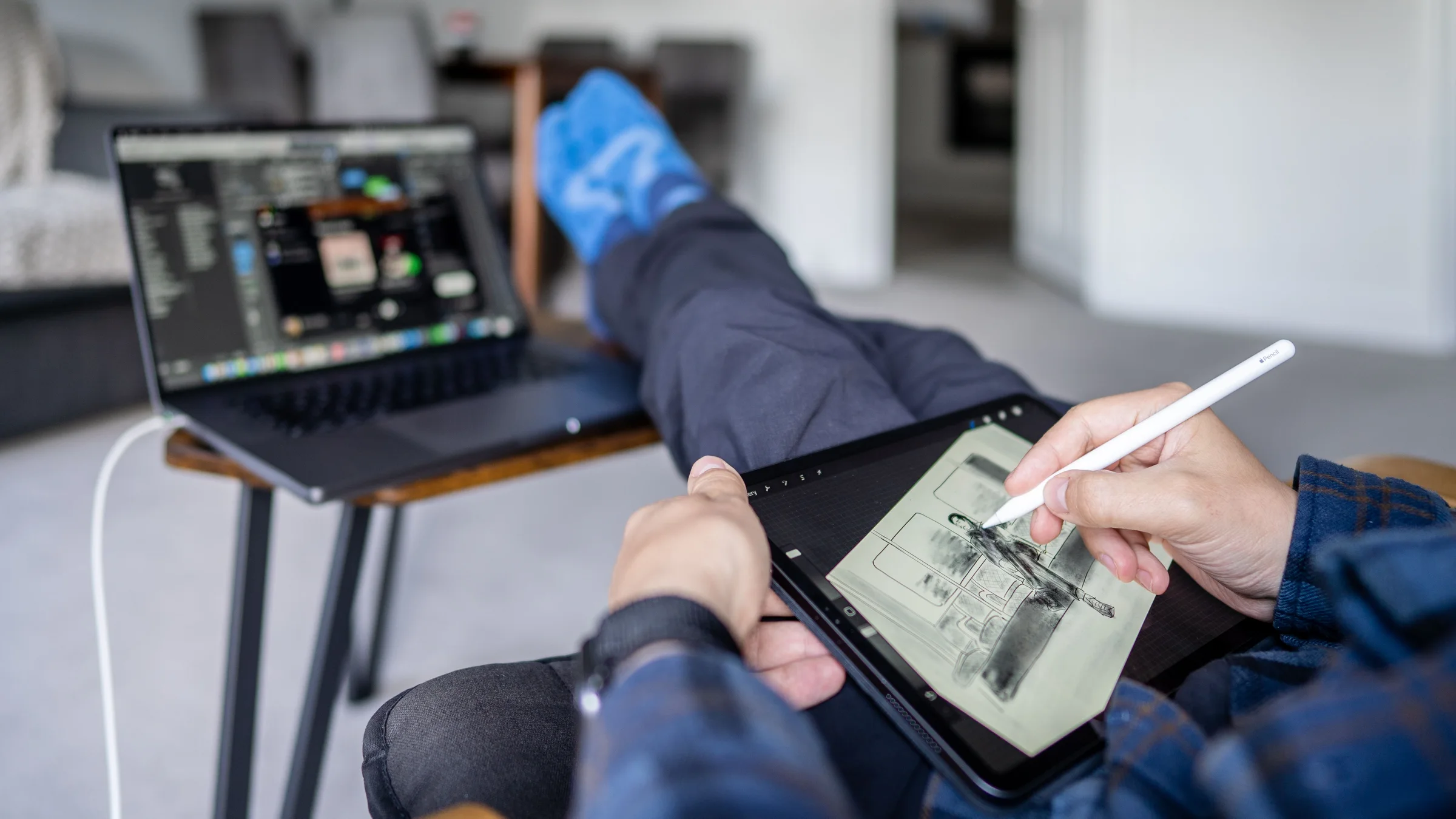
For example, if I am making a blog hero for an article about AI image tools, I would not ask for “a futuristic AI dashboard.” I would start with a real scene: a person reviewing visual options on a tablet, laptop nearby, natural desk light, no readable text, no logos, no interface overlays. Then I would ask for variants around crop, subject distance, and lighting.
The good part is that the same chat can hold the brief, the rejection rules, and the revision notes. The weak part is that people often keep revising a bad direction instead of stopping. If three revisions still produce fake UI cards or a generic glowing workbench, I would change the asset route rather than polishing the prompt forever.
Where Gemini fits
Gemini and Google’s image stack deserve attention when the work already sits near Google search, Workspace, or multimodal review. The practical value is not only “generate a picture.” It is the surrounding workflow: source context, files, search grounding, and the ability to reason about what the image should support.
I would use Gemini when the visual task is tied to a research-heavy page, a Google-native team, or an asset that needs to align with text already living in Docs, Slides, or a research brief. The risk is the same as with other general tools: if the prompt is vague, it will still create a vague image.
My acceptance rule is simple. If Gemini gives me a clean visual direction but the final crop or text handling is not reliable enough, I keep the idea and rebuild the graphic in a layout tool. That is not a failure. That is the workflow doing its job.
Where Claude fits
Claude is not where I would start for final raster generation. I would put Claude before and after the image tool.
Before generation, Claude is useful for repairing the brief. Give it the article title, target reader, asset job, and rejection rules. Ask it to cut vague visual language and turn the brief into a production checklist. After generation, give it the image and ask for critique: what looks fake, what does not match the article, what will fail at mobile size, and what a skeptical editor would reject.
The important point is not whether Claude can look at an image. The point is role design. A reviewer and a generator are different jobs. In production, separating those jobs usually improves the final image.
Where Midjourney, Firefly, and Ideogram fit
Midjourney is still useful when taste exploration matters. If the team does not yet know the visual territory, Midjourney can produce a direction board quickly. I would not treat the first beautiful result as a finished business asset. I would treat it as visual research.
Adobe Firefly fits a different lane. If the downstream work is already in Photoshop, Illustrator, Express, or a brand-controlled Adobe workflow, Firefly has an obvious operational advantage. The team does not have to jump as far between generation, editing, and final production.
Ideogram is worth considering when the asset is closer to a poster, title card, or text-aware graphic. I still avoid putting critical copy inside generated images for public pages, but Ideogram can be useful for roughing out composition where words are part of the design language.
Where FLUX, Stable Diffusion, and Recraft fit
FLUX and Stable Diffusion are not the fastest path for every marketer or planner. They become interesting when control matters: repeatable style, local generation, custom workflows, privacy constraints, or a pipeline that should survive more than one campaign.
The tradeoff is ownership. Someone must understand the model, workflow, prompt history, seed behavior, resolution settings, and review process. If nobody owns that, the local pipeline becomes a hobby setup, not an operating asset.
Recraft sits closer to design production. I would look at it for vector-like assets, product-style graphics, icon sets, branded compositions, and cleaner design outputs. It is the kind of tool I would test when the target is not a cinematic scene but a reusable visual asset.
The social and video layer
Canva, Leonardo AI, Krea, and Runway are easy to underestimate because people place them in one bucket called “image tools.” They are not the same.
Canva is useful when the work is format-heavy: social sizes, presentation covers, lightweight brand templates, and quick edits that a non-designer can maintain. Leonardo AI can help when game-like, concept-art, product-style, or controlled visual exploration is needed. Krea is useful for fast visual direction and style iteration. Runway matters when the image is only the first frame of a motion asset.
The operating question is: will this asset be touched again tomorrow? If yes, the editable workflow can matter more than the prettiest first output.
A concrete workflow
Suppose I need a thumbnail and hero image for a guide comparing AI tools. My workflow would be:
- Write the asset job: editorial hero, no text, no fake UI, usable at 16:9 and 1200 x 630.
- Pull a real work-scene photo candidate from a licensed source or create a clean generated scene.
- Use ChatGPT Images or Gemini for controlled variants only if the base direction is close.
- Use Claude or ChatGPT to critique the image against the rejection rules.
- Use Recraft, Figma, SVG, or HTML for any comparison matrix instead of hiding text inside the hero image.
- Test the crop on desktop article, mobile card, and Open Graph preview.
- Save a new hash filename so caches do not serve the old asset.
That process is slower than typing one prompt. It is still faster than publishing a cheap image and fixing it after someone notices the same dark dashboard again.
Field judgment
If I had to choose a default stack today, I would keep three lanes.
For article heroes, I would start with real photos, clean generated scenes, or ChatGPT/Gemini edits with strict no-text rules. For decision graphics, I would use Recraft, Ideogram, Figma, SVG, or HTML tables. For review, I would use Claude, ChatGPT, Gemini, and a human editor who is willing to reject attractive but useless images.
The mistake I see most often is asking an image model to do layout, copywriting, brand design, UI design, and illustration in one pass. That is not ambition. That is missing production design.
Start with the asset job. Then pick the model.
FAQ
Should I use ChatGPT Images or Midjourney first?
Use ChatGPT Images first when you need iterative correction, clear instructions, and a result tied to a written brief. Use Midjourney first when mood, atmosphere, and direction exploration are the main problem.
Is Claude an image generator?
For this workflow, I would treat Claude as a visual reviewer and brief writer. It can help interpret images and sharpen criteria, but I would not make it the default final image production tool.
Should I put text inside generated images?
Only when the text is decorative or easy to replace. For public articles, important text belongs in HTML, SVG, Figma, or a real layout file where someone can read and edit it.
Which tool is best for branded work?
Firefly, Canva, Recraft, and a human design system usually deserve the first look. The best choice depends on where the brand files live and who edits the final asset.
When should I avoid AI-generated images altogether?
Avoid them when a real screenshot, actual product photo, licensed editorial photo, or simple diagram would explain the point more honestly. AI should not be used just because an article needs a rectangle at the top.
Workflow path
Where this guide fits
Use this section to connect the guide you are reading with the broader workflow it supports.
A path for planning content calendars, improving search visibility, handling email workflows, and choosing AI assistants without losing editorial judgment.
Open workflow path- Best fit
- marketing, editorial, and growth teams that need consistent useful publishing
- Not ideal if
- You only need a narrow tutorial for one product instead of a tradeoff-based buying decision.
Sources checked
Main public pages used to check reported facts, official documentation, policy background, product details, and claims that may change.
- The new ChatGPT Images is here OpenAI
- Introducing ChatGPT Images 2.0 OpenAI
- Nano Banana image generation Google AI for Developers
- Claude Vision documentation Anthropic
- Midjourney Version documentation Midjourney
- Adobe Firefly Adobe
- Ideogram Ideogram
- Black Forest Labs Black Forest Labs
- Introducing Stable Diffusion 3.5 Stability AI
- Recraft Recraft
- Canva AI image generator Canva
- Pexels photo 17774503 Pexels / Artem Zhukov